- 3/8, North Pirerbag
- 60 Feet Main Road
- Mirpur, Dhaka 1216
- +880-967-8247365
- support@informatix.systems

Top 10 Email Deliverability Tips for 2025
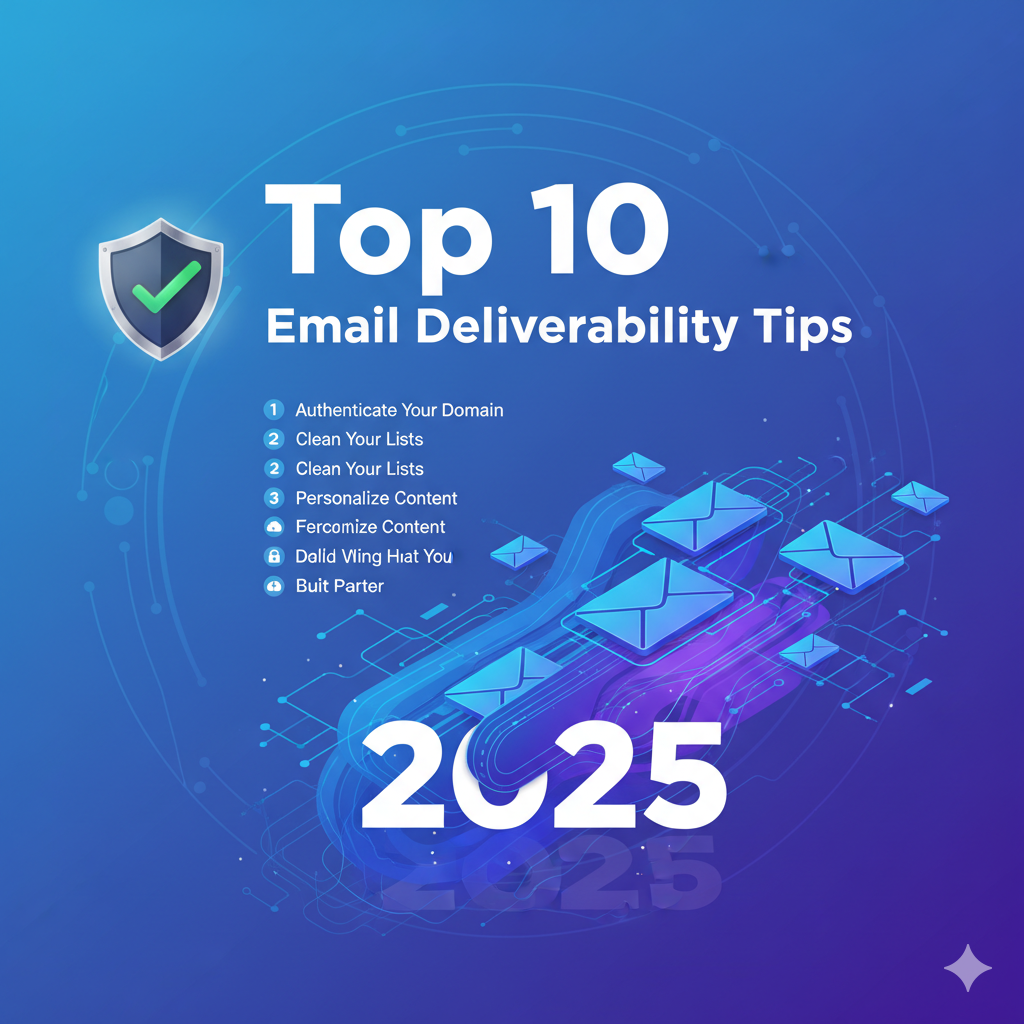
Email marketing continues to be one of the most effective channels for connecting with audiences, nurturing leads, and driving sales. But all that effort is wasted if your emails never make it to your subscribers’ inboxes. In 2025, the rules of email deliverability have evolved dramatically. Stricter spam filters, advanced authentication requirements, and AI-driven inbox placement systems have made it more important than ever to optimize how your emails are sent, validated, and engaged with. Email deliverability refers to the ability of your emails to reach your recipients’ inboxes instead of their spam or junk folders. It’s not just about sending, it’s about successfully delivering. In this guide, you’ll learn the Top 10 Email Deliverability Tips for 2025, complete with best practices, explanations, and actionable insights that can help protect your sending reputation, boost engagement, and improve inbox placement rates.
Authenticate Your Emails with SPF, DKIM, and DMARC
What Are SPF, DKIM, and DMARC?
SPF (Sender Policy Framework) is a DNS record that confirms which servers are authorized to send emails on behalf of your domain. It prevents spammers from forging your domain in email headers.DKIM (DomainKeys Identified Mail) adds a digital signature to each email, validating that your message hasn’t been altered in transit. The recipient’s server checks the signature against the public key in your domain DNS.DMARC (Domain-based Message Authentication, Reporting, & Conformance) ties SPF and DKIM together. It specifies how receiving mail servers should handle unauthenticated messages and provides reporting data to help monitor attempts at domain spoofing.
Why These Matter in 2025
In 2025, major mailbox providers like Gmail, Yahoo, and Outlook will require authenticated emails to reach the inbox. With the rise in phishing and spoofing threats, Google’s new sender guidelines emphasize DMARC enforcement and domain alignment. Businesses ignoring authentication risk are being flagged as spam by default.
Actionable Tip
- Configure SPF, DKIM, and DMARC for every domain you send from (including subdomains).
- Use tools like MxToolbox or DMARC Analyzer to validate your setup.
- Monitor failure reports regularly; incorrect SPF or DKIM alignment is a major red flag for ISPs.
Keep Your Email List Clean and Healthy
Why List Hygiene is Essential
A clean list is a healthy list. When you send emails to inactive, invalid, or disengaged addresses, you risk high bounce and complaint rates. This directly affects your sender reputation; ISPs interpret that as poor sender behavior.
By maintaining excellent list hygiene, you ensure that your emails are reaching people who actually want them, improving engagement rates and inbox placement.
Actionable Tip
- Remove Hard Bounces: Automatically remove addresses that have permanently failed delivery.
- Use Double Opt-In: Confirm that subscribers genuinely want to receive your content.
- Segment Based on Engagement: Identify inactive users and run re-engagement campaigns or suppress them temporarily.
- Validate Lists: Use trusted email list verification tools like ZeroBounce or NeverBounce quarterly.
Example
Imagine your list has 50,000 subscribers, but 10% are invalid or inactive. That 5,000 addresses could trigger thousands of bounces or spam traps. Cleaning that list can improve open rates by 20–30% almost instantly.
Focus on Content Quality
Why Content Matters for Deliverability
In 2025, email filters are becoming context- and intent-aware. AI models analyze not only text but also engagement metrics and link behaviors. Poor-quality content, overly promotional, inconsistent, or spammy, can be flagged even before a human reports it.
Your goal? Deliver content your audience genuinely values.
Actionable Tip
- Avoid trigger phrases like Click now,100% Free, or Act immediately.
- Personalize content based on user behavior, location, previous purchases, or engagement levels.
- Maintain clear formatting: proper grammar, logical structure, and no broken links.
- Combine plain text and HTML versions to ensure accessibility across devices.
Example
Instead of Limited Time! BUY NOW try:
Your exclusive 24-hour access to our new features, discover what’s new.
Personal, relevant, and professional messaging leads to higher open and click-through rates.
Optimize Email Subject Lines and Preheaders
The Power of the First Impression
The subject line and preheader determine whether your subscriber even opens your message. Beyond boosting open rates, they influence sender reputation. Emails with high open rates are seen as trustworthy and relevant by providers. Poorly written subject lines, on the other hand, can cause recipients to mark your emails as spam.
Actionable Tip
- Keep subject lines under 50 characters for best display across devices.
- Avoid excessive punctuation; one exclamation mark is plenty.
- A/B test subject lines regularly to identify what resonates.
- Align your preheader text with your subject line for context and intrigue.
Avoid Spam Traps and Blacklists
What Are Spam Traps?
Spam traps are decoy email addresses used by internet service providers (ISPs) to identify senders who don’t follow best practices. These could be:
- Pristine traps: Never used by real people, used solely to catch spammers.
- Recycled traps: Old, abandoned addresses that are repurposed to monitor sending activity.
Falling into spam traps signals poor list management or unethical acquisition tactics like buying email lists.
How Blacklists Work
Blacklists flag domains or IPs associated with suspicious activity. Getting blacklisted can prevent your emails from reaching subscribers entirely until you resolve the issue.
Actionable Tip
- Never buy or rent third-party email lists.
- Regularly validate your contact database using services like Mailgun Validate or Debounce.
- Check blacklists via MXToolBox or Spamhaus to ensure your domain/IP remains clean.
- Set up suppression lists to exclude unengaged or invalid contacts.
Implement a Consistent Sending Schedule
Why Consistency Matters
Inconsistent email schedules confuse both subscribers and spam filters. Sending bursts of emails at random times can signal suspicious activity or trigger throttling by ISPs.A predictable, consistent schedule builds trust. Subscribers expect your emails, and ISPs recognize regular, stable patterns of mail flow.
Actionable Tip
- Choose a fixed cadence: weekly newsletters, bi-weekly updates, or monthly digests, whatever fits your content strategy.
- Analyze engagement data to determine peak time zones and optimal send times.
- Warm up new sending domains or IPs gradually to establish a reputation.
- Avoid sending multiple campaigns within short intervals to the same audience.
Example
If you send a Monday newsletter, stick to the same day and approximate time every week. Predictability reduces spam complaints and improves inbox delivery.
Use a Reputable Email Service Provider (ESP)
Why Your ESP Choice Matters
Your Email Service Provider (ESP) is your primary technical partner in deliverability. High-quality ESPs maintain relationships with ISPs, manage bounce handling, monitor blacklists, and enforce anti-abuse policies that protect your domain’s reputation.
Features of a Good ESP
- Excellent deliverability rates and infrastructure
- Authentication support (SPF, DKIM, DMARC setup assistance)
- Tools for segmentation, automation, and analytics
- Feedback loop management for spam complaint monitoring
Actionable Tip
- Use reputable platforms like Mailchimp, SendGrid, ActiveCampaign, or MailerLite.
- Ensure your ESP IP addresses have strong reputations and aren’t shared with spammers.
- Monitor your deliverability reports provided by the ESP and address anomalies immediately.
Monitor Your Sender Reputation
What Is Sender Reputation?
Think of sender reputation as your email credit score. Each domain or IP address builds a reputation based on how recipients interact with its messages. High open rates and low complaint rates build trust with ISPs; the opposite erodes your credibility. A poor sender reputation can lead to automatic spam filtering even for legitimate messages.
Actionable Tip
- Use Google Postmaster Tools, Sender Score (Validity), or Barracuda Reputation System to monitor your reputation.
- Maintain a sender score above 80 for optimal performance.
- Keep complaint rates under 0.1% to avoid deterioration.
- Spread campaigns across dedicated IPs if your volume is high to isolate risk.
Example
If your domain’s reputation falls due to poor engagement, ISPs might throttle delivery, causing a drop in conversions. Fix this by improving content and sending habits before the issue worsens.
Focus on Mobile Optimization
Why Mobile Matters in 2025
By 2025, over 75% of email opens will happen on mobile devices. Mobile users demand fast-loading, scroll-friendly emails with clear visuals and direct calls to action. Failure to optimize for mobile can lead to higher unsubscribe and complaint rates, lowering deliverability.
Key Mobile Optimization Practices
- Use responsive templates that automatically resize for screens.
- Design with a single-column layout for clarity.
- Keep text concise, CTAs large and tappable.
- Use visually adaptive images with proper alt-tags.
- Test using clients like Gmail, Outlook, and Apple Mail before final deployment.
Actionable Tip
- Send test campaigns to multiple mobile devices before launch.
- Prioritize accessibility, readable fonts, contrast balance, and meaningful subject lines.
- Limit image-heavy layouts; balance visuals with quick, scannable text.
Example
A marketing campaign that looks professional on a desktop but breaks on an iPhone can kill conversions. Responsive templates fix that instantly and preserve brand trust.
Engage with Subscribers and Respond to Complaints Promptly
Engagement Drives Deliverability
Engagement is now a major signal in email filtering algorithms. High open, click, and reply rates tell ISPs that recipients value your content. Conversely, ignoring inactive subscribers or unaddressed complaints signals low quality and can hurt future campaigns.
Why Responses Matter
Negative engagements like spam reports or unsubscribes are inevitable, but how you respond determines your reputation. Quick action shows you respect subscriber preferences.
Actionable Tip
- Track engagement metrics (open, click, and reply rates) using analytics dashboards.
- Send re-engagement campaigns targeting dormant subscribers.
- Include an easy-to-find unsubscribe link; hiding it increases spam reports.
- Use surveys or preference centers to tailor content frequency and type.
Example
A re-engagement email with a friendly message like
We’ve missed you! Would you like to keep receiving our updates
can help re-activate lapsed contacts or, at least, clean your list gracefully.
BIMI (Brand Indicators for Message Identification) allows you to display your verified brand logo next to your authenticated emails in inboxes. Supported by Gmail and Yahoo, BIMI builds instant brand recognition and signals trustworthiness to recipients. To implement BIMI, you must have SPF, DKIM, and DMARC with a quarantine or reject policy in place. The landscape of email deliverability in 2025 is heavily shaped by authentication, engagement, and reputation management. Email providers now use AI-powered algorithms to identify trustworthy senders and deliver user-relevant messages. By following the ten strategies above, authenticating every domain, maintaining spotless list hygiene, optimizing for mobile, and fostering real engagement, you’ll ensure your messages consistently reach your audience’s inbox. Deliverability isn’t a one-time fix; it’s a continuous process of monitoring, refining, and respecting your subscribers’ preferences. If your campaigns aren’t performing as expected, start with these foundational elements: data cleanliness, authentication, and consistent engagement, and watch your results improve.
Need Help Improving Your Email Deliverability?
Contact our expert team at support@informatix.systems for personalized guidance and technical setup support to ensure your campaigns perform at their highest potential.
No posts found
Write a review