Войти | Регистрация
Авторизуйтесь для получения расширенных возможностей
- г. Dhaka, 3/8, North Pirerbag, 60 Feet Main Road
- +880-967-8247365 (звонок бесплатный)
- Пн-Вс 9.00 - 18.00
- support@informatix.systems
- Посмотреть на карте

Advanced Backup Solutions Strategies for IT Professionals
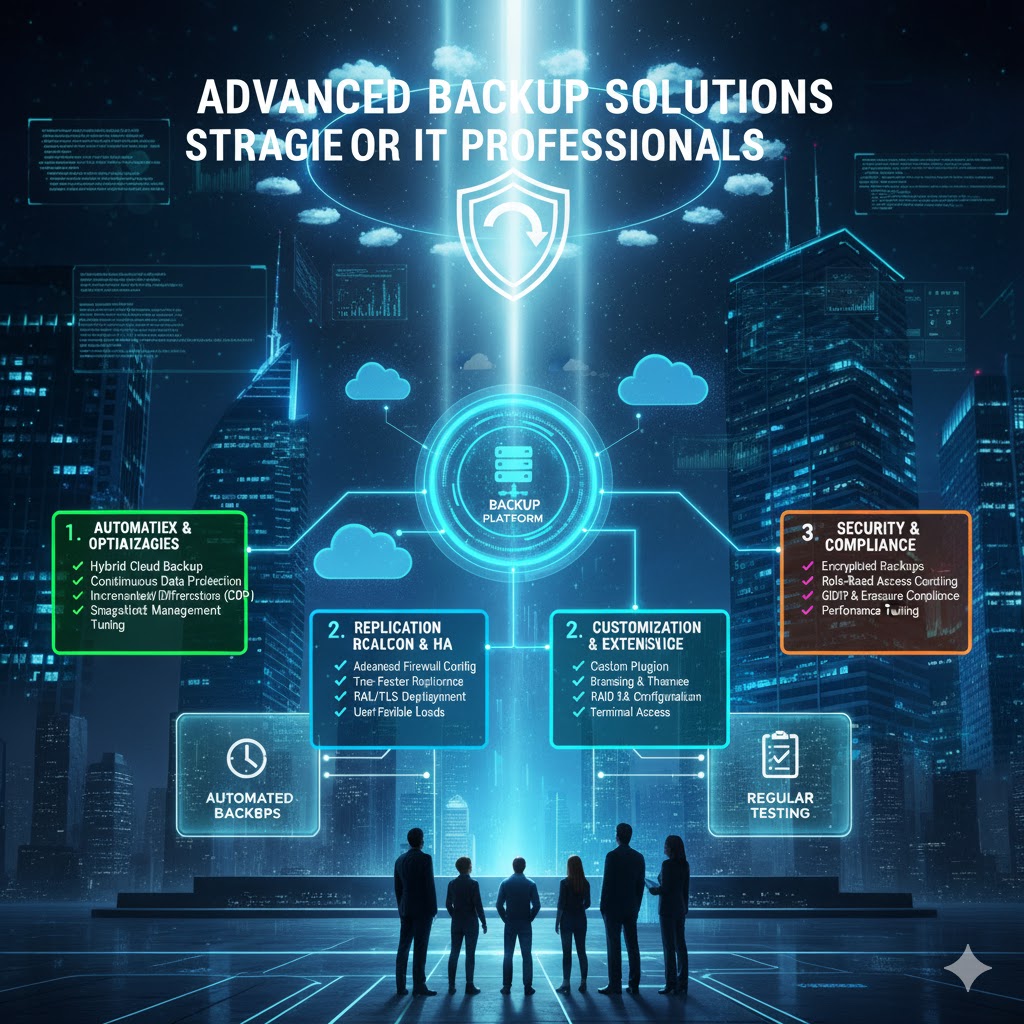
In today’s digital age, data is one of the most critical assets for organizations. Ensuring that data is properly backed up and can be quickly restored in case of loss or disaster is crucial. For IT professionals, implementing a comprehensive backup strategy is a fundamental part of managing infrastructure, particularly as organizations scale and handle more complex systems. This blog post will cover advanced backup solutions that IT professionals should consider to protect data, maintain business continuity, and ensure minimal downtime in case of system failures, cyber-attacks, or natural disasters.
Understanding the Importance of Backup Solutions
Before diving into the strategies, it's essential to understand the importance of a solid backup solution:
-
Data Protection: Backups protect against data loss from various threats, including hardware failure, human error, cyberattacks, and natural disasters.
-
Business Continuity: Without effective backup systems, businesses may suffer long downtimes, lost revenue, and damaged reputations.
-
Regulatory Compliance: Many industries, such as healthcare and finance, have strict regulations requiring businesses to keep secure and retrievable backups of sensitive data.
Key Types of Backup Solutions
Backup solutions can be divided into several categories based on the methodology, storage location, and frequency of data protection. Below are the key types:
Full Backups
A full backup is the complete copy of all files, data, and system states. While time-consuming and resource-intensive, full backups provide a comprehensive solution and make recovery fast and straightforward.
-
Pros: Fast recovery times, simple restore process.
-
Cons: Requires large storage space and takes more time for execution.
Incremental Backups
Incremental backups store only the data that has changed since the last backup (whether that’s a full or incremental one). This method saves storage space and is more efficient for regular backup cycles.
-
Pros: Efficient in terms of storage and speed.
-
Cons: Slower recovery time because multiple backup sets need to be restored.
Differential Backups
Differential backups capture changes made since the last full backup. It’s a good compromise between full and incremental backups.
-
Pros: Faster recovery than incremental backups but less storage-intensive than full backups.
-
Cons: As more changes accumulate, differential backups can increase in size.
Cloud Backups
Cloud backups leverage remote cloud storage services to store data. Cloud providers offer scalable, cost-effective, and secure backup solutions.
-
Pros: Accessible from anywhere, flexible storage options, disaster recovery benefits.
-
Cons: Bandwidth dependent, potential security concerns if not managed correctly.
Local Backups
Local backups refer to backing up data to on-premises storage, such as external hard drives, tape drives, or network-attached storage (NAS).
-
Pros: Fast backup and recovery times, no internet dependency.
-
Cons: Vulnerable to physical damage, limited scalability, higher management costs.
Best Practices for Advanced Backup Solutions
To create an efficient and reliable backup strategy, IT professionals must follow a set of best practices. These practices help ensure backups are performed regularly, are secure, and can be restored quickly when needed.
The 3-2-1 Backup Rule
The 3-2-1 backup strategy is a widely adopted approach to secure backups:
-
3 Copies of Data: Ensure that data is available in multiple forms, including the original and two backup copies.
-
2 Different Media: Use two different types of storage, such as local and cloud-based systems.
-
1 Offsite Backup: One backup should always be stored offsite, preferably in the cloud or a remote data center, to protect against site-specific disasters (fire, flood, etc.).
Regular Backup Scheduling
Backup schedules should be defined to match the organization's needs. For critical data, backups might need to be done daily, while less critical data can be backed up weekly or monthly. Automating these processes ensures that backups are always up-to-date.
-
Frequent Backups: For mission-critical applications and databases (like CRM or ERP systems), perform daily incremental or differential backups.
-
Long-term Backups: Archive less critical data periodically (monthly or quarterly) using full backups.
Automating Backups
Manual backup processes are prone to errors and missed schedules. Automating backups not only improves efficiency but also ensures that the process is completed consistently.
-
Backup Software Solutions: Invest in reliable backup software that can automate backup schedules, manage multiple backups, and integrate with cloud providers.
-
Cloud Storage Integration: Leverage APIs from cloud storage providers like AWS, Azure, or Google Cloud to automate cloud backups.
Backup Encryption
Encryption is essential for protecting backup data, particularly when transferring it to the cloud or offsite storage.
-
Encrypt Backup Files: Use strong encryption algorithms (AES-256) to protect backup files, ensuring that data remains secure in case of a breach.
-
Encryption in Transit and At Rest: Ensure that backups are encrypted during transfer (e.g., using TLS/SSL) and at rest to avoid unauthorized access.
Regular Testing of Backup Restores
It’s not enough to simply back up data; the ability to restore data quickly and accurately is paramount. Regularly test backup restores to ensure that the recovery process works seamlessly when needed.
-
Test Restores: Regularly perform test restores to verify data integrity and recovery times.
-
Disaster Recovery Drills: Conduct disaster recovery simulations to test the overall backup and recovery plan under realistic conditions.
Advanced Technologies in Backup Solutions
IT professionals must stay ahead of evolving technologies that can help improve backup strategies. Here are some advanced technologies that can play a crucial role in modern backup solutions:
Snapshot Technology
Snapshots are point-in-time copies of data that enable near-instantaneous backups with minimal performance impact. Unlike traditional backups, snapshots can be used for quickly recovering system states.
-
Pros: Fast and minimal impact on performance.
-
Cons: Snapshots can consume significant storage over time.
Continuous Data Protection (CDP)
CDP technology ensures that data is backed up in real-time as it’s created or modified. This solution is ideal for organizations that cannot afford data loss.
-
Pros: Near-zero data loss.
-
Cons: Higher storage requirements and complexity.
Deduplication Technology
Deduplication reduces the storage space required for backups by eliminating duplicate copies of data. This is especially useful when performing incremental or differential backups.
-
Pros: Storage-efficient, reduces backup time.
-
Cons: More complex setup and management.
Hybrid Backup Solutions
Hybrid backup solutions combine both cloud and on-premises storage, providing the best of both worlds. Critical data can be stored on local devices for quick access, while long-term backups are sent to the cloud.
-
Pros: Scalable, flexible, and cost-effective.
-
Cons: Potential bandwidth limitations and higher management overhead.
Securing Backup Solutions
While backups are essential, they are also a potential target for cybercriminals. It's crucial to secure backup solutions to prevent data breaches, ransomware attacks, and unauthorized access.
Backup Security Measures
-
Multi-Factor Authentication (MFA): Implement MFA to secure access to backup systems and data.
-
Regular Patching: Ensure that backup software and storage devices are up-to-date with security patches.
-
Backup Isolation: Isolate backup systems from the production network, preventing malicious attacks from affecting backups.
Offsite Backup Security
When storing backups offsite or in the cloud, ensure that these storage solutions are secure and encrypted.
-
Cloud Provider Security: Choose reputable cloud providers that offer strong encryption, regular security audits, and compliance with industry standards.
-
Data Redundancy: Use cloud solutions that offer multiple data redundancy to prevent data loss in case of storage failures.
Ransomware Protection
Ransomware attacks can target both live data and backup systems, making it critical to protect backup systems from encryption and corruption.
-
Immutable Backups: Ensure that backups are immutable and cannot be modified or deleted for a specified period.
-
Air-gapped Backups: Air-gapping refers to isolating backup storage from the network, making it inaccessible to online attacks.
Disaster Recovery Planning and Integration
A good backup strategy is incomplete without a disaster recovery (DR) plan. The DR plan should be integrated into the backup strategy to ensure a smooth and efficient recovery process in the event of a failure.
Defining Recovery Objectives
-
Recovery Point Objective (RPO): The maximum acceptable data loss during a disaster. The lower the RPO, the more frequent the backups.
-
Recovery Time Objective (RTO): The maximum amount of time it should take to restore services after a disaster. Minimize RTO with efficient backup restore processes.
Automation in Disaster Recovery
Automate disaster recovery processes so that, in case of a failure, the system can be restored to a functional state without human intervention.
-
Automated Failover: Use automated systems to switch from a failed server or system to a backup server quickly.
-
Disaster Recovery as a Service (DRaaS): DRaaS solutions enable companies to move critical workloads to the cloud and recover them without manual intervention.
Cloud Backup Solutions for Scalability and Flexibility
Cloud-based backup solutions have grown in popularity due to their scalability, flexibility, and cost-effectiveness. As more businesses move to cloud environments, understanding how to leverage these platforms is critical.
-
Public vs. Private Cloud: Choose between public cloud (e.g., AWS, Google Cloud) for flexibility and cost savings or private cloud solutions for higher control and security.
-
Cloud Storage Classes: Utilize various cloud storage tiers (e.g., hot, cold, and archival storage) based on the frequency and importance of the data.
Сообщения не найдены
Написать отзыв