- 3/8, North Pirerbag
- 60 Feet Main Road
- Mirpur, Dhaka 1216
- +880-967-8247365
- support@informatix.systems

Beginner's Guide to Docker & Containers
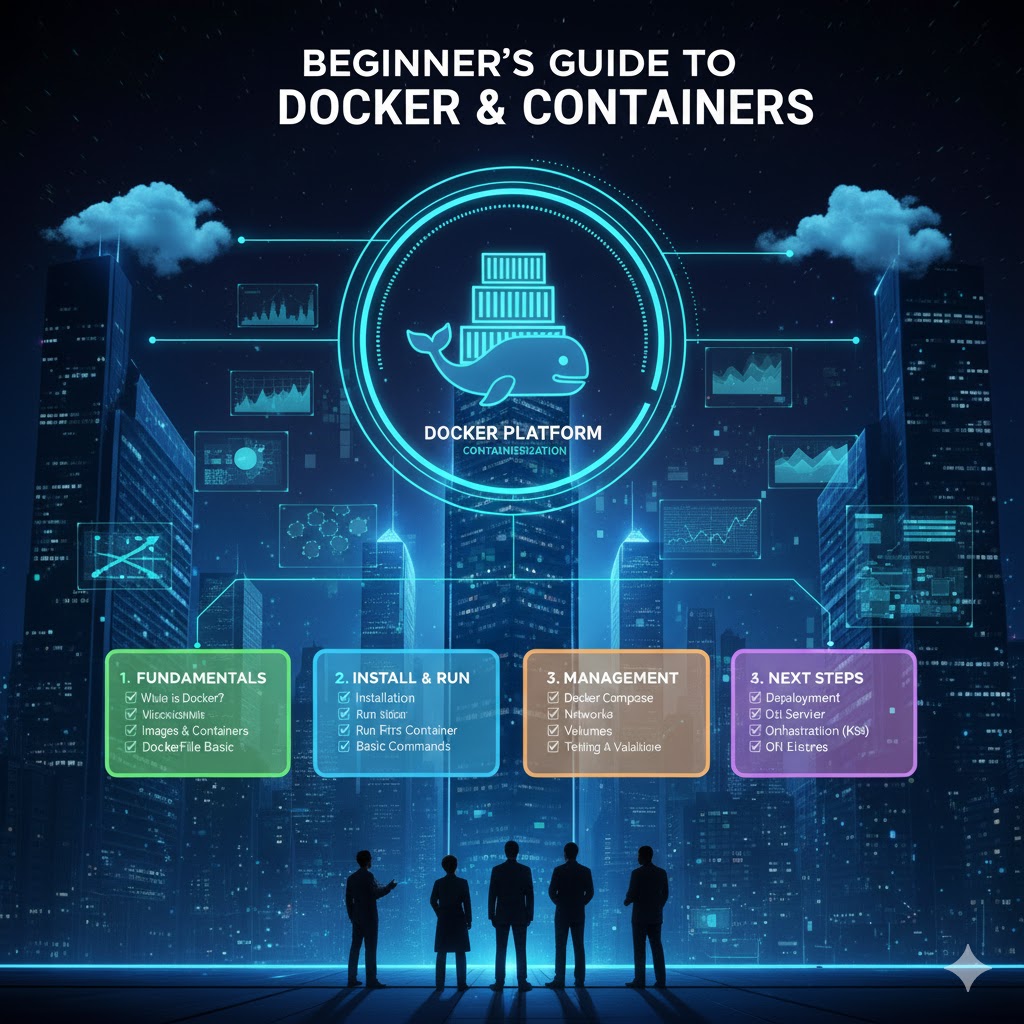
The world of software development is constantly evolving, with new tools and technologies emerging to make building, deploying, and managing applications more efficient. Among the most powerful and transformative innovations in recent years are Docker and containers. These tools have revolutionized the way developers and organizations handle applications, making them portable, scalable, and easier to deploy. In this comprehensive guide, we’ll take you through the basics of Docker and containers, how they work, and why they’re essential in modern development practices. Whether you're a beginner or someone looking to deepen your understanding, this guide will provide you with the knowledge you need to get started with Docker and containers.
What is Docker?
Docker is an open-source platform designed to automate the deployment, scaling, and management of applications inside lightweight, portable containers. By encapsulating an application and its dependencies into a container, Docker ensures that the application runs consistently across different computing environments. Docker was created to solve a critical problem: the "works on my machine" issue. Developers often faced problems when an application would work on one system but fail to run on another, due to differences in configurations, libraries, or system environments. Docker solves this by containerizing applications, making them environment-agnostic.
Key Benefits of Docker:
-
Portability: Docker containers can run on any system that supports Docker, regardless of the underlying operating system.
-
Consistency: Containers ensure that the application will run the same way in different environments.
-
Scalability: Docker makes it easier to scale applications by running multiple containers in parallel or distributed across different machines.
Understanding Containers
At the core of Docker is the concept of containers. A container is an isolated environment where applications and their dependencies are bundled together. Unlike traditional virtual machines, containers share the host OS kernel, making them lightweight and faster to start.
Key Features of Containers:
-
Lightweight: Containers use fewer resources than virtual machines because they share the same OS kernel.
-
Isolated: Each container runs in its isolated environment, ensuring no interference with other containers or the host system.
-
Portable: Containers package everything an application needs to run, making them easy to move between environments.
Why Use Docker and Containers?
Docker and containers offer significant advantages over traditional methods of deploying and managing applications:
Simplified Development and Testing
Docker eliminates the need to worry about environmental differences between development, testing, and production environments. Developers can work on a containerized application and be confident it will run the same way in all environments.
Faster Deployment
Containers can be started and stopped in seconds, compared to the minutes or hours it might take to boot up a virtual machine. This makes continuous integration and continuous deployment (CI/CD) pipelines faster and more efficient.
Improved Resource Efficiency
Containers are more resource-efficient compared to virtual machines because they share the host OS kernel. As a result, you can run more containers on a single server than virtual machines, reducing infrastructure costs.
Scalability
Docker allows you to scale applications horizontally by running multiple instances of the same container across different machines, helping to meet increasing demand.
Docker Architecture
Docker architecture consists of several components that work together to manage containers. These components include:
-
Docker Engine: The runtime that runs and manages containers.
-
Docker Daemon: A background service responsible for managing Docker containers.
-
Docker CLI: A command-line interface used to interact with the Docker daemon.
-
Docker API: An API used by other tools and services to interact with Docker.
-
-
Docker Images: Read-only templates that define what is inside a container (e.g., application code, libraries, and settings).
-
Docker Containers: Running instances of Docker images. They are isolated environments that run applications and services.
-
Docker Hub: A public registry where users can upload and share Docker images.
Getting Started with Docker
Installing Docker
Before diving into using Docker, you need to install Docker on your machine. Docker provides installation guides for different operating systems (Linux, macOS, and Windows) on its official website. Here are the basic steps:
-
Linux: You can install Docker using the package manager for your distribution (e.g.,
aptfor Ubuntu). -
macOS and Windows: Docker Desktop can be installed with a simple installer. Docker Desktop provides a graphical interface and integrates with the underlying OS.
Docker Command Basics
Once Docker is installed, you can start using Docker commands to interact with containers. Some essential commands include:
-
docker run: Creates and starts a container from an image.
-
docker ps: Lists all running containers.
-
docker stop: Stops a running container.
-
docker build: Builds a Docker image from a Dockerfile.
-
docker pull: Downloads an image from Docker Hub.
-
docker push: Uploads an image to Docker Hub.
Docker Images and Containers
Understanding Docker Images
A Docker image is a static specification that contains everything needed to run a piece of software, including the application code, libraries, environment variables, and system tools. Docker images are the building blocks of containers. They are read-only, meaning they cannot be modified once they’re created.
Images can be created using aDockerfile, which is a script that contains instructions to build the image.
Working with Containers
A container is a running instance of a Docker image. You can create, start, stop, and manage containers using the Docker CLI. For example, to run a container from an image, you would use:This command will run an instance of the nginx image in detached mode (-d) and map port 80 on the host to port 80 in the container.
Explanation:
-
FROM: Specifies the base image (e.g., Ubuntu).
-
RUN: Runs commands inside the image (e.g., installing Python).
-
COPY: Copies files from the host machine into the container.
-
CMD: Specifies the default command to run when the container starts.
Docker Compose: Simplifying Multi-Container Applications
Docker Compose is a tool that allows you to define and manage multi-container applications. With Docker Compose, you can define all your containers, networks, and volumes in a single YAML file.
Networking in Docker
Docker provides several ways to connect containers to the outside world. By default, Docker creates a bridge network for each container, but you can create custom networks to better control communication between containers.
-
Bridge Network: Default network for containers to communicate with each other.
-
Host Network: The container shares the host's network stack.
-
Overlay Network: Used for communication between containers on different Docker hosts.
Docker Volumes: Managing Data
Docker containers are ephemeral, meaning that their data is lost when they are deleted. To persist data, Docker provides volumes. A volume is a persistent data storage mechanism that lives outside the container.
To create and mount a volume, you can use the -v flag:
Docker Best Practices
-
Use Official Images: When possible, use official or trusted Docker images from Docker Hub to ensure security and reliability.
-
Minimize Image Size: Smaller images are faster to download and deploy. Use multi-stage builds in your Dockerfile to reduce image size.
-
Separate Concerns: Use different containers for different services (e.g., a database in one container and the application in another).
-
Use Docker Compose: Simplify the management of multi-container applications.
Real-World Use Cases for Docker
Docker is widely used in many industries and is especially popular in environments that require rapid development and deployment, such as:
-
Microservices Architecture: Docker enables the creation of small, independently deployable services.
-
Continuous Integration and Deployment: Docker containers streamline the CI/CD process, making it easier to build, test, and deploy applications.
-
Cloud-Native Applications: Docker containers are ideal for cloud-native applications, as they offer scalability and portability across different cloud platforms.
contact our expert team at support@informatix.systems.
Need Help ?
No posts found
Write a review