Войти | Регистрация
Авторизуйтесь для получения расширенных возможностей
- г. Dhaka, 3/8, North Pirerbag, 60 Feet Main Road
- +880-967-8247365 (звонок бесплатный)
- Пн-Вс 9.00 - 18.00
- support@informatix.systems
- Посмотреть на карте

Best Tools for CI/CD Pipelines in 2025
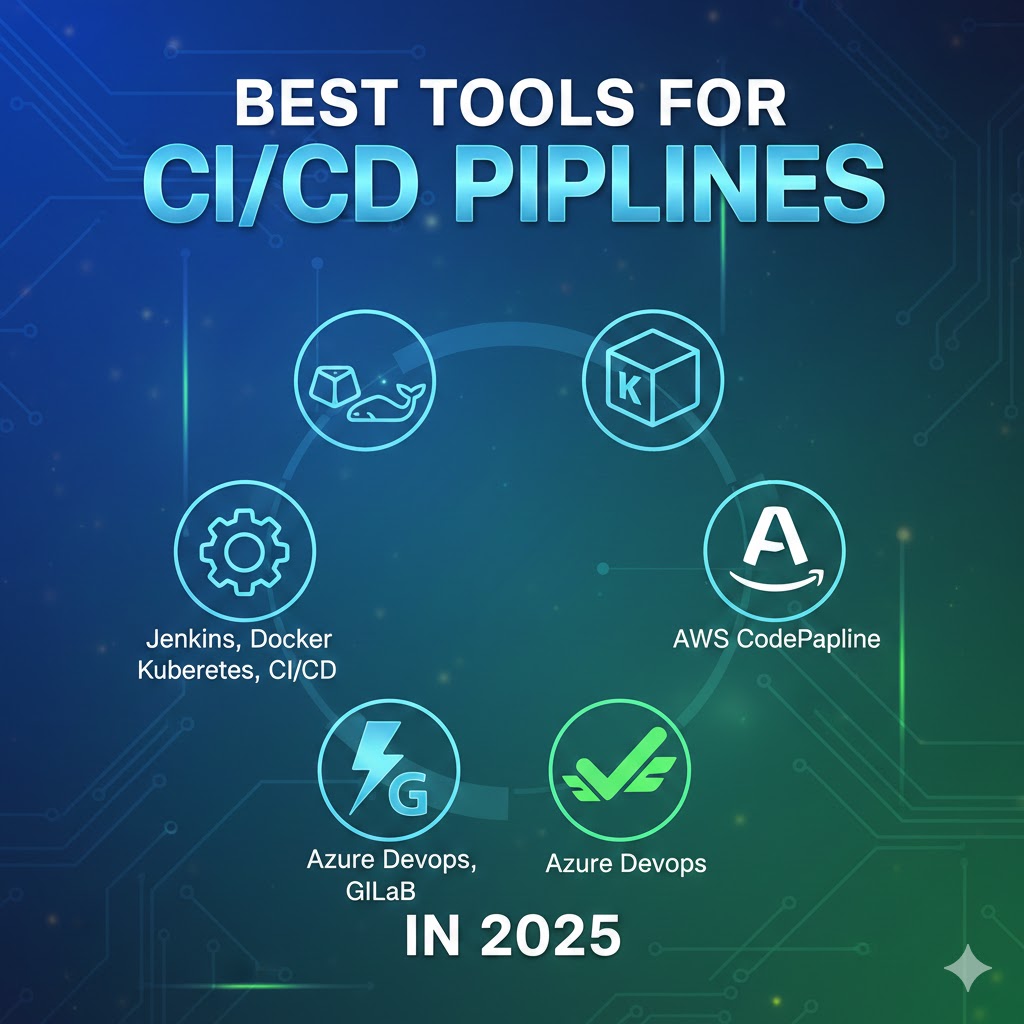
In 2025, Continuous Integration (CI) and Continuous Delivery (CD) are more crucial than ever for developers and organizations aiming to streamline their software development lifecycle. CI/CD pipelines enable automated testing, building, and deployment, ensuring faster development cycles, better code quality, and smoother delivery to production environments.
For IT professionals and DevOps engineers, choosing the right tools is essential to optimize the CI/CD process. With so many options available, it’s important to understand the landscape of CI/CD tools and how each can help your team deliver faster, more reliable software.
In this blog, we’ll explore the best tools for CI/CD pipelines in 2025. Whether you're setting up a new pipeline or optimizing an existing one, this comprehensive guide will help you make informed decisions about the tools that best suit your project needs.
Understanding CI/CD Pipelines
Before diving into the tools, it’s important to understand what CI/CD pipelines are and how they work.
Continuous Integration (CI)
CI refers to the practice of integrating code changes into a shared repository multiple times a day. With CI, automated builds and tests ensure that code changes are validated, making it easier for developers to detect bugs early. This results in a faster development cycle and higher-quality software.
Continuous Delivery (CD)
CD extends CI by automating the release process. Once the code passes tests, CD tools automatically deploy it to production or staging environments. Continuous Delivery ensures that the latest version of the application is always available for deployment, reducing the manual work and potential human error in the release process.
CI/CD Pipeline
A CI/CD pipeline is a series of steps and tools used to automate the software development lifecycle from code integration to deployment. A well-constructed pipeline allows development teams to continuously test, build, and deploy their software, ensuring faster delivery cycles and more consistent releases.
Best CI/CD Tools for 2025
Jenkins
Jenkins is one of the most popular CI/CD tools in the world. Originally built as a CI tool, Jenkins has evolved into a full-featured automation server capable of automating the entire software development lifecycle.
Why Jenkins is Popular:
-
Open Source: Jenkins is completely free and open-source, making it highly customizable.
-
Plugin Ecosystem: It has a vast plugin ecosystem that supports various integrations, including GitHub, Docker, and Kubernetes.
-
Scalability: Jenkins can be scaled to handle complex workflows and large-scale applications.
-
Pipeline as Code: Jenkins allows developers to define their CI/CD workflows as code using Jenkinsfiles, which can be stored in version control systems like Git.
Key Features:
-
Automated build and test pipelines
-
Distributed builds for better scalability
-
Integration with numerous third-party tools
-
Ability to deploy to various environments like AWS, Azure, and Google Cloud
Best For:
-
Large teams with complex deployment needs
-
Organizations looking for a highly customizable and extensible CI/CD tool
GitLab CI/CD
GitLab is an all-in-one DevOps platform that offers both version control and CI/CD capabilities. With GitLab, teams can manage their entire DevOps workflow in a single interface, making it an excellent choice for many organizations in 2025.
Why GitLab is Popular:
-
Unified DevOps Platform: GitLab provides a full suite of DevOps tools, including CI/CD, issue tracking, and version control.
-
Built-in CI/CD: GitLab comes with built-in CI/CD features, so there’s no need to integrate external tools.
-
Auto DevOps: GitLab offers Auto DevOps, which automatically configures CI/CD pipelines, making it easier for teams to get started quickly.
-
Security Features: GitLab integrates security testing and compliance into the CI/CD pipeline, enhancing software quality and safety.
Key Features:
-
One-click deployment
-
Auto DevOps for automated pipelines
-
GitLab Runner for distributed execution
-
Seamless integration with Kubernetes for container orchestration
Best For:
-
Teams looking for an integrated DevOps suite
-
Organizations already using GitLab for version control
CircleCI
CircleCI is a cloud-native CI/CD tool designed to automate the entire software development lifecycle. CircleCI’s focus on speed and scalability makes it a top choice for teams aiming to streamline their workflows in 2025.
Why CircleCI is Popular:
-
Cloud-Native: CircleCI offers a cloud-native solution that doesn’t require complex infrastructure setup.
-
Speed: With its parallel execution features, CircleCI accelerates build times and reduces the time-to-production.
-
Integration with Popular Tools: CircleCI integrates seamlessly with GitHub, Bitbucket, and Docker, enabling efficient version control and deployment.
-
Customizable Workflows: CircleCI provides a flexible YAML configuration for custom workflows, giving teams full control over their CI/CD pipelines.
Key Features:
-
Automated testing and deployment
-
Integration with AWS, GCP, and other cloud platforms
-
Docker support for containerized applications
-
Customizable pipeline workflows
Best For:
-
Teams looking for fast and cloud-native CI/CD solutions
-
Organizations using microservices and containerization
Travis CI
Travis CI is a cloud-based CI/CD service popular with developers who use GitHub for version control. It is known for its simplicity and ease of integration with other tools and services.
Why Travis CI is Popular:
-
GitHub Integration: Travis CI works seamlessly with GitHub, making it an excellent choice for projects hosted on GitHub.
-
Ease of Setup: The setup process for Travis CI is quick and straightforward, especially for those familiar with GitHub repositories.
-
Open Source Projects: Travis CI offers free plans for open-source projects, making it a great option for the developer community.
Key Features:
-
Automatic testing and deployment
-
Simple YAML configuration for pipeline setup
-
Integration with GitHub and Bitbucket
-
Support for multiple programming languages
Best For:
-
GitHub-centric teams and open-source projects
-
Teams looking for a simple, user-friendly CI/CD tool
Bamboo
Bamboo is an enterprise-level CI/CD tool offered by Atlassian. Known for its deep integration with other Atlassian tools like JIRA and Bitbucket, Bamboo is a robust choice for large organizations that require scalability and centralized management.
Why Bamboo is Popular:
-
Enterprise-Grade Tool: Bamboo is built to support large teams and complex workflows.
-
Integration with Atlassian Products: Bamboo integrates smoothly with other Atlassian products like JIRA, Bitbucket, and Confluence, making it ideal for teams already using these tools.
-
Advanced Deployment Options: Bamboo allows for automated deployment and release management, including environment-specific deployment strategies.
Key Features:
-
Continuous integration and deployment
-
Automated testing with integration to JIRA
-
Deployment projects for managing release pipelines
-
Advanced scalability and flexibility for large teams
Best For:
-
Enterprises already using Atlassian products
-
Large teams requiring complex workflows and advanced deployment features
TeamCity
TeamCity by JetBrains is a powerful and flexible CI/CD tool designed for automation in software development. With its focus on integrating build and deployment, TeamCity is well-suited for high-performance CI/CD pipelines.
Why TeamCity is Popular:
-
Build Management: TeamCity offers sophisticated build management capabilities, supporting multi-platform builds and parallel testing.
-
Integration with Tools: It integrates with version control systems, including Git, SVN, and Mercurial, along with cloud platforms like AWS and GCP.
-
User-Friendly Interface: Despite its robust functionality, TeamCity has a clean and easy-to-navigate interface that appeals to developers and DevOps teams.
Key Features:
-
Continuous integration and testing
-
Support for numerous version control systems
-
Cloud integration for scaling and deployment
-
Comprehensive reporting and build history
Best For:
-
Teams looking for a robust build management system
-
Developers using JetBrains tools and IDEs
Azure DevOps
Azure DevOps is a suite of development tools and services provided by Microsoft. It’s perfect for teams that are invested in the Azure ecosystem and need a complete DevOps solution for CI/CD.
Why Azure DevOps is Popular:
-
Complete DevOps Suite: Azure DevOps covers the entire software development lifecycle, from code versioning and building to deployment and monitoring.
-
Cloud and On-Premises Options: Azure DevOps can be used both on-premises and in the cloud, providing flexibility for various deployment needs.
-
Integration with Azure: It integrates tightly with Azure services, allowing teams to deploy applications seamlessly into the cloud.
Key Features:
-
Continuous integration and continuous delivery
-
Support for multiple programming languages
-
Azure Pipelines for automating builds and deployments
-
Integration with Microsoft tools like Visual Studio and GitHub
Best For:
-
Teams using Microsoft Azure and other Microsoft tools
-
Enterprises looking for an end-to-end DevOps solution
Choosing the right CI/CD pipeline tools is essential for modern DevOps teams aiming for fast and reliable software delivery. In 2025, the market is rich with options, from Jenkins and GitLab to CircleCI and Azure DevOps, each offering unique features to suit different development needs.
By selecting the right tools, configuring them to your specific needs, and integrating them into your development pipeline, you can achieve streamlined workflows, higher-quality releases, and faster delivery cycles. Remember, the best tool is the one that fits seamlessly into your existing infrastructure and workflows.
Сообщения не найдены
Написать отзыв