- 3/8, North Pirerbag
- 60 Feet Main Road
- Mirpur, Dhaka 1216
- +880-967-8247365
- support@informatix.systems

How cPanel Can Boost Website Performance
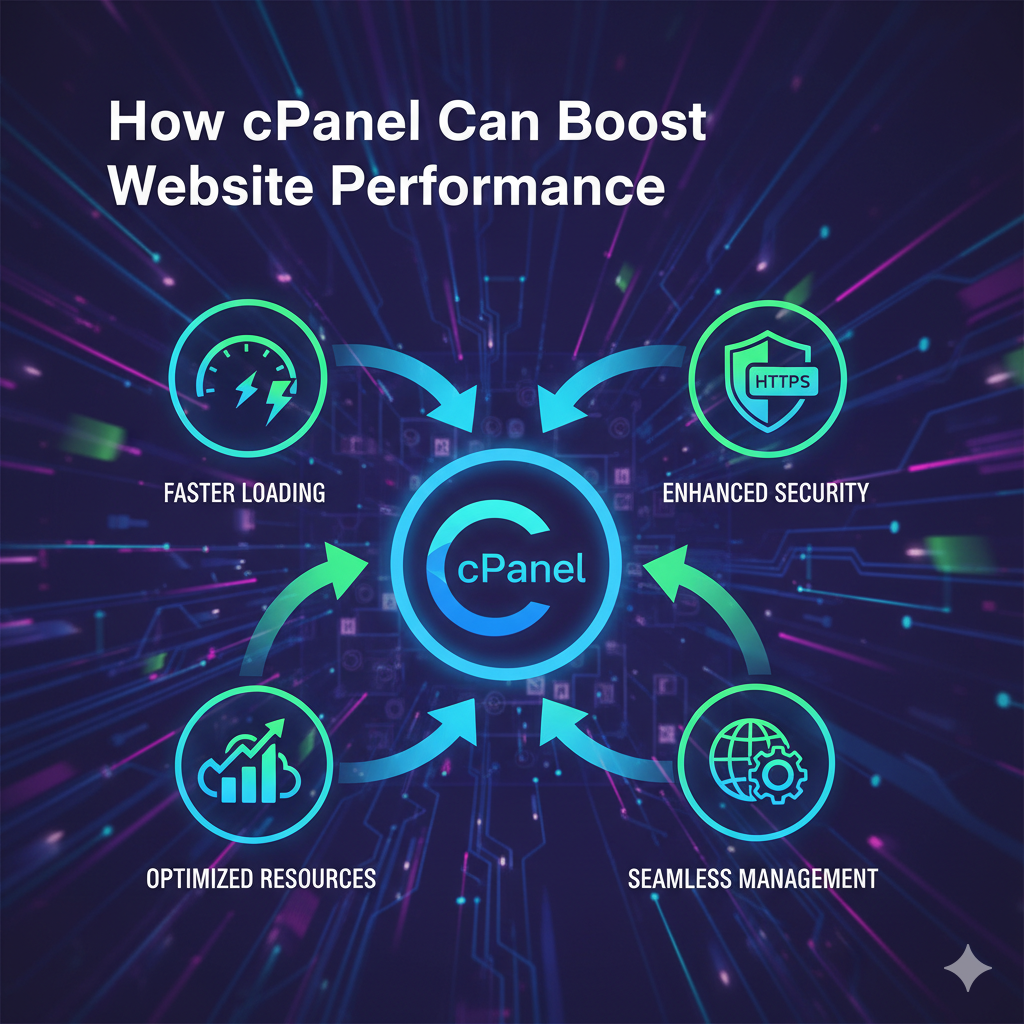
In today’s fast-paced digital world, website performance is crucial to the success of your online presence. Whether you are running a personal blog, a business website, or an e-commerce store, the speed, reliability, and efficiency of your site can make or break the user experience. That’s where cPanel comes in.cPanel is a web hosting control panel that simplifies the management of your website's hosting environment, helping you maximize your website’s performance. In this comprehensive blog post, we will explore how cPanel can significantly enhance website performance, its various features, and how you can use it to improve load times, optimize resources, and ensure smooth operations.
What is cPanel?
cPanel is a widely used web hosting control panel that provides a user-friendly interface for managing your website, server, and hosting account. It offers a variety of tools for users, whether they are beginners or advanced webmasters, to easily manage their web hosting environment. With cPanel, users can perform a wide range of tasks such as managing domains, creating email accounts, setting up databases, installing applications, securing websites, and much more. This robust platform is designed to streamline website management, providing the user with powerful features to enhance the performance, security, and scalability of their site.
How cPanel Can Boost Website Performance
A website's performance is determined by multiple factors, including server speed, resource utilization, optimization of site content, and the configuration of various services. cPanel offers a range of tools and features that can significantly improve the overall performance of your website.
Here are some key ways cPanel can boost website performance:
Streamlining Resource Management
Efficient resource management is a critical aspect of website performance. If your website exceeds the resources provided by your hosting plan, it can result in slower load times or, worse, downtime.
How cPanel Helps:
-
Resource Monitoring: cPanel gives you access to powerful resource monitoring tools, such as the Resource Usage section, which lets you track CPU, memory, and bandwidth usage. This enables you to identify any resource spikes that could be negatively affecting your site’s performance.
-
Limit Resource Usage: Through cPanel, you can manage your server’s resource limits to ensure that your website does not use more resources than your hosting plan allows. This helps prevent performance degradation and ensures smooth operation even during high traffic periods.
-
Optimize Database Usage: cPanel offers easy management of databases through tools like phpMyAdmin. You can optimize your MySQL databases, clean up unnecessary data, and ensure they are running efficiently.
Accelerating Website Speed with Caching Tools
One of the key factors that influences website speed is how efficiently it handles repeated requests. Caching is a technique that helps improve site performance by storing static content for quicker retrieval.
How cPanel Helps:
-
Enabling Caching: cPanel allows you to easily set up caching mechanisms through features such as Cache Manager, which can speed up your website by storing frequently accessed content on the server. This reduces the time it takes to load pages and improves user experience.
-
Integrating Content Delivery Networks (CDN): cPanel integrates with CDNs like Cloudflare to boost your website’s performance. CDNs store copies of your static content across multiple servers worldwide, which reduces the load on your origin server and serves content to users faster, based on their geographic location.
-
Auto-Install Caching Plugins: If you use popular CMS platforms like WordPress, cPanel’s Softaculous installer makes it easy to install caching plugins like W3 Total Cache or WP Super Cache, which can significantly reduce load times by caching static versions of your dynamic content.
Utilizing Website Optimization Tools
cPanel comes with several tools that enable website optimization, which can help reduce load times and enhance the user experience.
How cPanel Helps:
-
Image Optimization: Websites with large, unoptimized images can experience slow load times. With cPanel, you can use the Image Manager to resize, compress, and optimize images, ensuring that your website is light and fast.
-
Gzip Compression: cPanel allows you to enable Gzip compression, which reduces the file size of your website's content (HTML, CSS, JavaScript files, etc.). Smaller file sizes result in faster page loading times.
-
Minification: Minifying CSS, JavaScript, and HTML files removes unnecessary characters, such as spaces and comments, which can help speed up your website. While cPanel doesn't have a direct tool for this, you can use third-party tools available through Softaculous or integrate with plugins for CMSs like WordPress.
-
Database Optimization: Over time, your databases may accumulate overhead or redundant data. cPanel provides a built-in feature to optimize your MySQL databases, improving query performance and reducing database load.
Enhancing Website Security for Better Performance
Website security and performance are closely related. A site under constant attack or having security vulnerabilities will experience slowdowns or interruptions due to high traffic or malicious activity.
How cPanel Helps:
-
SSL/TLS Management: cPanel makes it easy to install SSL certificates on your site. Secure websites (those with HTTPS) are not only trusted by visitors but also favored by search engines, leading to better SEO rankings and faster loading times.
-
Cloudflare Integration: Cloudflare not only helps with caching and performance optimization but also provides security features like DDoS protection and Web Application Firewall (WAF). Through cPanel, you can easily link your website with Cloudflare and take advantage of its performance-enhancing features.
-
Protection from Malicious Scripts: cPanel's security features, such as mod_security and Hotlink Protection, can prevent malicious scripts or bots from overwhelming your website’s server, leading to reduced load times and fewer security risks.
Scalable Hosting Solutions for Growing Traffic
As your website grows, you’ll need more resources to accommodate increasing traffic. Fortunately, cPanel provides scalability features that make it easy to upgrade your hosting plan or expand your infrastructure without interrupting your website’s performance.
How cPanel Helps:
-
Easy Hosting Upgrades: With cPanel, you can easily upgrade to a more powerful hosting plan (such as VPS or dedicated hosting) as your traffic increases. You won’t have to worry about downtime or migrating data, as cPanel provides a seamless transition between different hosting environments.
-
Resource Allocation for Virtual Servers: If you're using a Virtual Private Server (VPS), cPanel allows you to allocate resources (CPU, RAM, bandwidth) more effectively, ensuring that your website performs optimally even as your server’s resource needs grow.
Automatic Software Updates and Security Patches
An up-to-date website is a secure and fast website. Outdated software, plugins, or CMS versions can lead to performance issues or security vulnerabilities.
How cPanel Helps:
-
Automatic Updates: cPanel offers auto-updating features for many applications, including popular CMS platforms like WordPress, Joomla, and Drupal. By keeping your software up to date, you ensure that your website has the latest performance optimizations and security patches.
-
Easy Management of Software Updates: For more manual control, cPanel’s Softaculous Auto Installer allows you to manage updates for your CMS, plugins, and themes, ensuring that you’re running the latest and most optimized versions.
Detailed Analytics and Reporting
Understanding how your website is performing is key to making informed optimization decisions. cPanel provides comprehensive analytics and reporting tools that give you valuable insights into your site’s performance.
How cPanel Helps:
-
Access Logs and Error Logs: cPanel provides access to raw access logs and error logs, which can help you identify issues such as broken links, server errors, or slow scripts that may be impacting your site’s performance.
-
Bandwidth Usage Reports: cPanel allows you to track bandwidth usage, helping you monitor whether large traffic spikes are putting unnecessary strain on your server, allowing you to take action before it affects performance.
-
Awstats and Webalizer: These built-in tools provide detailed website traffic and performance statistics. By analyzing the data, you can identify trends, optimize content delivery, and pinpoint areas that need improvement.
Need Help? For This Content
Contact our team at support@informatix.systems
No posts found
Write a review