- 3/8, North Pirerbag
- 60 Feet Main Road
- Mirpur, Dhaka 1216
- +880-967-8247365
- support@informatix.systems

Top 10 WooCommerce Optimization Tips for 2025
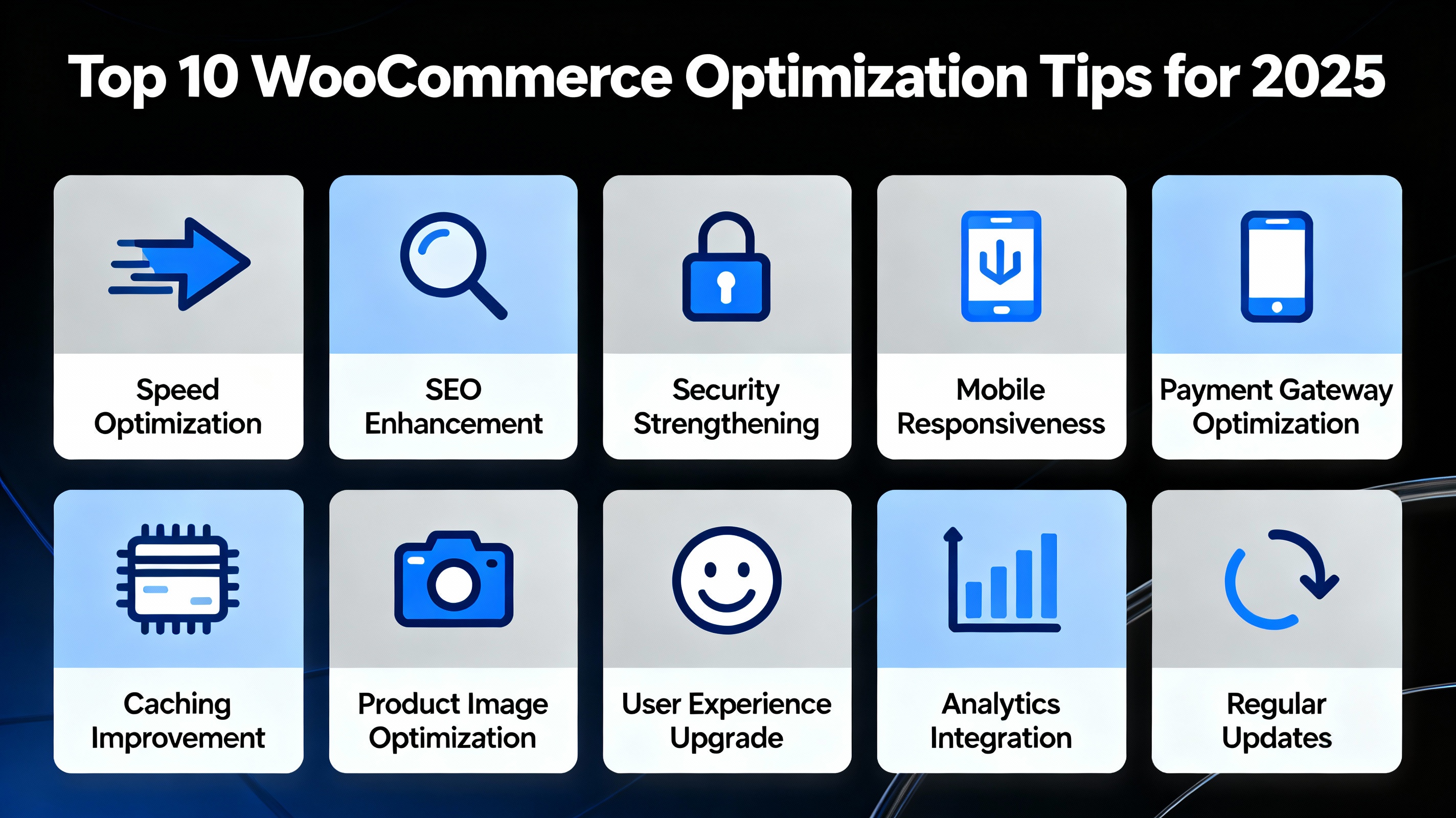
WooCommerce powers millions of online stores worldwide and remains one of the most popular eCommerce platforms. But as technology and user expectations evolve, so does the need to optimize your WooCommerce store for better speed, usability, SEO, and conversion rates.With 2025 fast approaching, staying ahead means embracing the latest best practices tailored to WooCommerce’s unique ecosystem. This comprehensive guide will cover the top 10 WooCommerce optimization tips you must apply to boost your online store’s performance, provide seamless user experiences, and drive more sales.
Optimize WooCommerce Hosting Environment
The foundation of any fast and reliable WooCommerce store is the hosting environment. In 2025, the expectations for speed and uptime are higher than ever.
Key Hosting Features to Look For:
-
Managed WooCommerce Hosting: These specialized hosts optimize servers specifically for WooCommerce, including caching, PHP versions, and database tuning.
-
Use SSD Storage: Solid State Drives (SSD) dramatically improve data access speed compared to traditional HDDs.
-
Latest PHP Version: Running PHP 8.x or newer ensures improved performance and security.
-
Content Delivery Network (CDN): Integrate a CDN like Cloudflare or AWS CloudFront to serve static assets faster worldwide.
-
HTTP/2 or HTTP/3 Support: These protocols improve load times with multiplexing and better resource loading.
Why It Matters
Poor hosting leads to slow page loads, frequent downtime, and bad user experience. Optimized hosting ensures faster checkout times and reduces cart abandonment.
Use a Lightweight and WooCommerce-Compatible Theme
Many WooCommerce stores struggle with bloated themes that slow down loading times.
What to Consider:
-
Minimalistic Design: Choose themes with minimal CSS/JS bloat.
-
Compatibility: Ensure the theme is updated regularly and tested for WooCommerce compatibility.
-
Mobile Responsiveness: With over half of traffic from mobile devices, responsiveness is critical.
-
Schema Markup Support: Helps search engines understand your product data better.
Popular Lightweight Themes for WooCommerce
-
Astra
-
GeneratePress
-
Neve
Using these themes will help keep your website fast and SEO-friendly.
Implement Effective Caching Strategies
Caching stores copies of your website’s content to serve future visitors faster.
Types of Caching to Use:
-
Page Caching: Stores full pages to reduce backend processing.
-
Object Caching: Caches database queries to speed up dynamic content.
-
Browser Caching: Leverages visitor browsers to store static files locally.
-
Opcode Caching: PHP opcode caching improves server-side PHP execution.
Recommended Plugins & Tools:
-
WP Rocket
-
W3 Total Cache
-
LiteSpeed Cache
Proper caching reduces server load and dramatically improves load times.
Need help optimizing your WooCommerce store?
Reach out to us at support@informatix.systems
No posts found
Write a review