Войти | Регистрация
Авторизуйтесь для получения расширенных возможностей
- г. Dhaka, 3/8, North Pirerbag, 60 Feet Main Road
- +880-967-8247365 (звонок бесплатный)
- Пн-Вс 9.00 - 18.00
- support@informatix.systems
- Посмотреть на карте

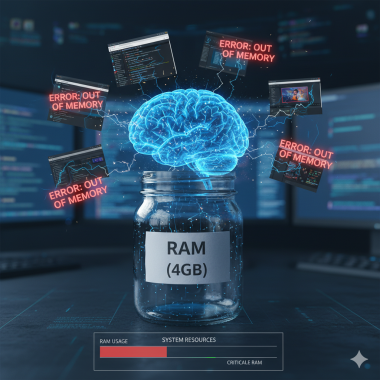
Insufficient system resources (e.g., insufficient RAM).
Insufficient system resources, particularly inadequate RAM (Random Access Memory), can lead to performance issues, application crashes, and system slowdowns. Here are steps to address problems related to insufficient RAM: 1. Monitor Resource Usage : Use Task Manager (Windows) or Activity Monitor (macOS) to monitor the system's memory usage and...
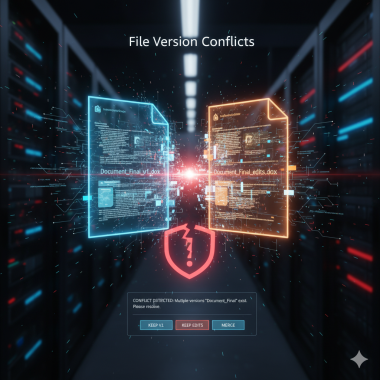
File version conflicts.
File version conflicts can occur when multiple versions of a file exist and a system or application is unsure which version to use. This can lead to errors or unexpected behavior. Here's a guide to help you address file version conflicts: Common Causes and Solutions for File Version Conflicts: **1. Multiple Versions of the Same Application:...
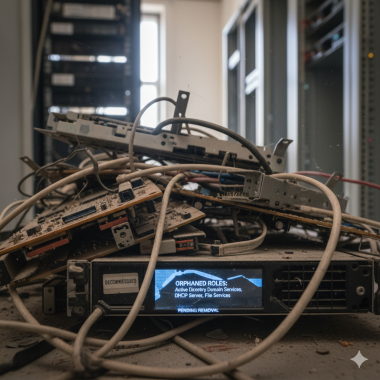
Orphaned server roles or features.
Orphaned server roles or features occur when remnants of a previously installed role or feature remain on the system, even after the role or feature has been removed. This can potentially lead to conflicts or unexpected behavior. Here are steps to address issues related to orphaned server roles or features: 1. Use Server Manager : Open Server...
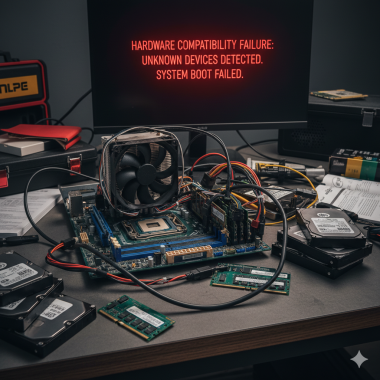
Server hardware compatibility issues.
File version conflicts can occur when multiple versions of a file exist and a system or application is unsure which version to use. This can lead to errors or unexpected behavior. Here's a guide to help you address file version conflicts: Common Causes and Solutions for File Version Conflicts: **1. Multiple Versions of the Same Application:...
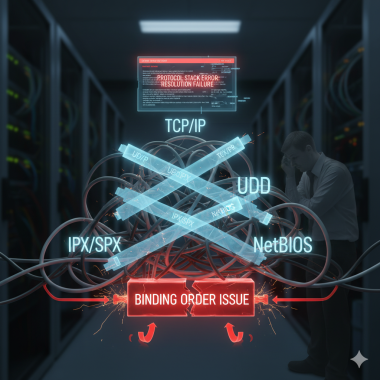
Network protocol binding order problems.
Network protocol binding order problems can lead to issues with network connectivity and can affect how the system prioritizes network interfaces. Here are steps to troubleshoot and potentially resolve problems related to network protocol binding order: 1. Access Network Adapters Settings : Open the Network Connections settings in the Control...
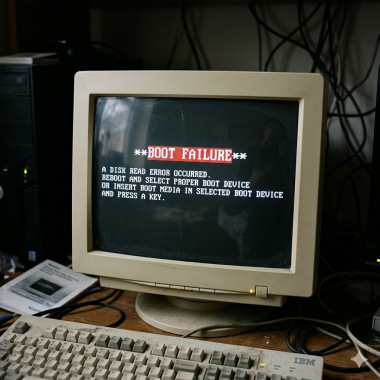
Boot failure.
I'm sorry to hear that you're experiencing boot failure. This can be a frustrating issue, but there are several steps you can take to try and resolve it. Here's a general troubleshooting guide: Check External Connections : Ensure that all cables (power, data) are securely connected to your computer and monitor. If you're using a laptop, make sure...
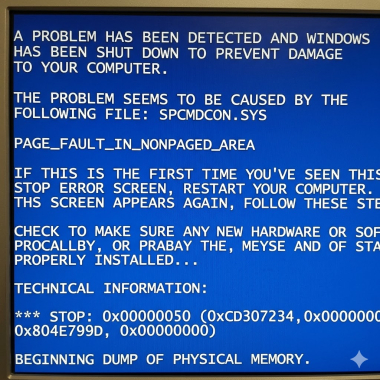
Blue Screen of Death (BSOD) errors.
The Blue Screen of Death (BSOD) is a critical error screen displayed by Windows when the operating system encounters a problem that it cannot recover from. Dealing with BSOD errors can be frustrating, but here are steps to address this issue: Note Down Error Codes : Take note of the error codes displayed on the BSOD screen. These codes can provide...
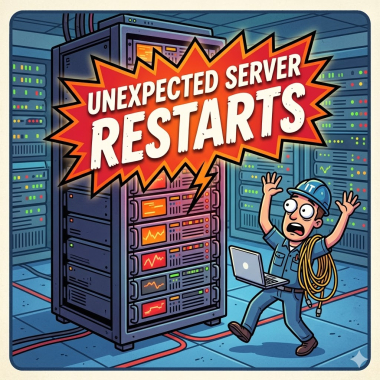
Unexpected server restarts.
Unexpected server restarts can be a concerning issue, as they can interrupt services and potentially lead to data loss or corruption. Here are some steps you can take to troubleshoot and address this problem: Check System Logs : Review the system logs to see if there are any error messages or warnings leading up to the restart. This can provide...
Сообщения не найдены
Написать отзыв