Anmelden | Registrieren
Sign in to get more opportunities
- 3/8, North Pirerbag
- 60 Feet Main Road
- Mirpur, Dhaka 1216
- +880-967-8247365
- support@informatix.systems

A Deep Dive into SSL & HTTPS
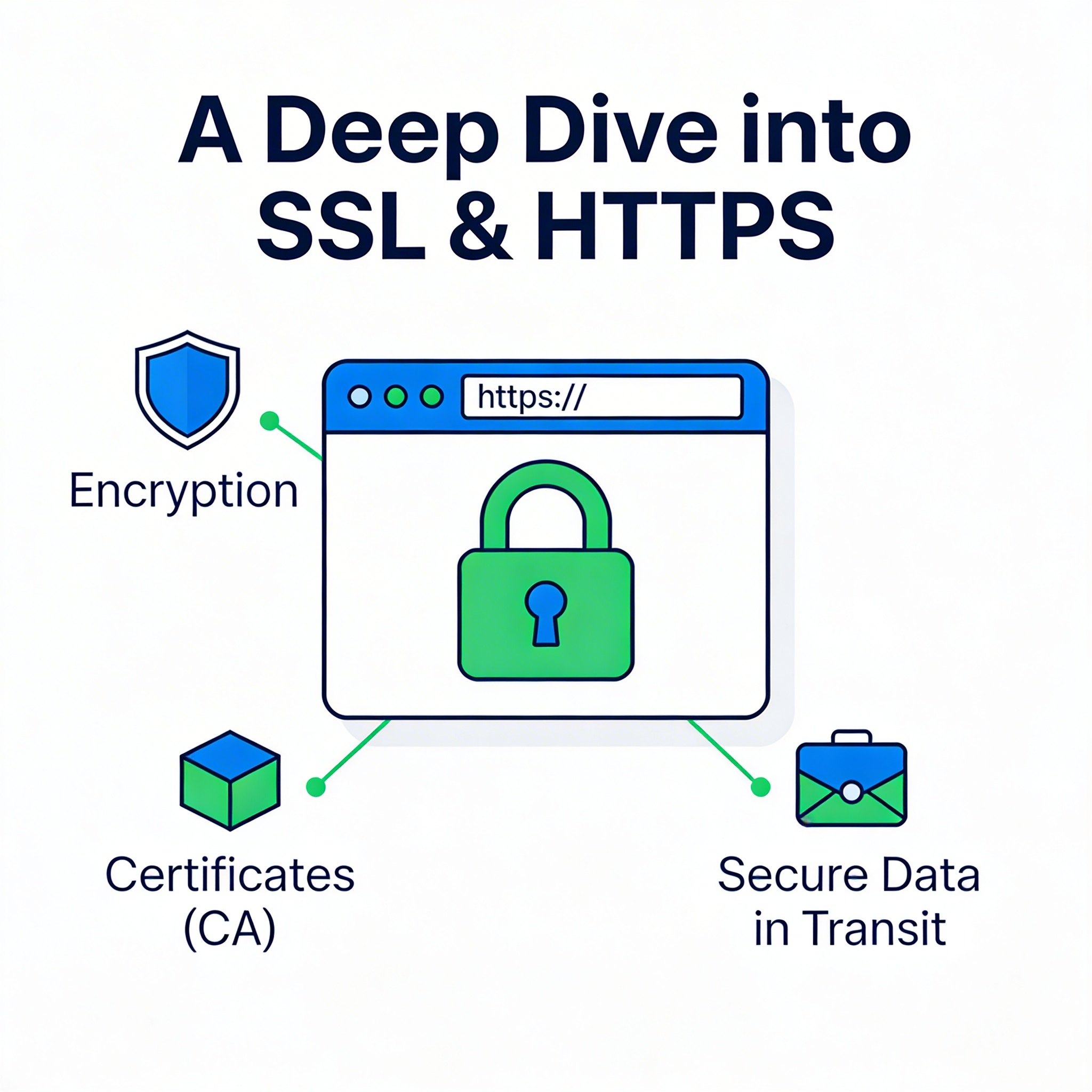
In today's digital landscape, website security is more critical than ever. With the increasing number of cyber-attacks and data breaches, securing your website and protecting your users' data is a top priority. One of the most essential components of website security is the use of SSL (Secure Sockets Layer) and HTTPS (Hypertext Transfer Protocol Secure). These technologies play a significant role in safeguarding your website and its visitors by encrypting data and ensuring secure communication between your site and users.
In this article, we will take a deep dive into SSL and HTTPS, exploring what they are, why they are necessary, how they work, and how you can implement them effectively for your website. By the end, you will have a comprehensive understanding of how to secure your website, build trust with users, and improve your site's SEO performance.
What is SSL and HTTPS?
What is SSL?
SSL (Secure Sockets Layer) is a cryptographic protocol designed to provide secure communication over a computer network. It encrypts the data transferred between a web browser and a web server, ensuring that the information exchanged remains private and secure. SSL was developed by Netscape in the 1990s and has since evolved into the more secure TLS (Transport Layer Security) protocol. However, SSL is still commonly used to refer to both SSL and TLS in the context of website security.
When you visit a website that uses SSL, the communication between your browser and the server is encrypted, which means that third parties cannot easily intercept or read the data being exchanged. SSL is primarily used for securing sensitive information such as passwords, credit card details, and personal data.
What is HTTPS?
HTTPS (Hypertext Transfer Protocol Secure) is the secure version of HTTP (Hypertext Transfer Protocol), the protocol used for transferring data between a user's web browser and a web server. The key difference between HTTP and HTTPS is that HTTPS uses SSL/TLS to encrypt the data being transferred, providing an extra layer of security.
When a website uses HTTPS, it indicates that the data exchanged between the website and the user's browser is encrypted and cannot be easily intercepted by malicious third parties. This is particularly important for e-commerce websites, online banking, or any website that handles sensitive user data.
Why SSL and HTTPS are Important
Data Encryption and Privacy
One of the primary benefits of SSL and HTTPS is data encryption. Without SSL encryption, any information sent between the user's browser and the website is transmitted in plain text, making it vulnerable to interception by hackers. This is particularly dangerous for websites that collect sensitive data, such as login credentials, payment information, and personal details.
SSL and HTTPS encrypt the data, making it unreadable to anyone who might intercept it. Even if hackers manage to capture the data, they will only see a scrambled string of characters, which is nearly impossible to decrypt without the correct key.
Authentication and Trust
SSL certificates also provide website authentication, ensuring that the website users are interacting with is the legitimate website and not a fraudulent one. When a website has an SSL certificate, it signals to the user that the site is authentic and has been verified by a trusted Certificate Authority (CA). This verification process prevents attackers from creating counterfeit websites that look similar to legitimate sites, tricking users into revealing sensitive information.
Browsers, such as Google Chrome and Mozilla Firefox, indicate when a website is using HTTPS by displaying a padlock icon in the address bar. This visual cue assures users that their connection to the website is secure, fostering trust and confidence in the site.
Improved SEO Ranking
Google has officially confirmed that HTTPS is a ranking factor for SEO. Websites using HTTPS are more likely to rank higher in search engine results pages (SERPs) compared to those using HTTP. This is part of Google's broader initiative to encourage secure browsing across the internet. By securing your website with SSL, you not only improve user trust but also enhance your chances of ranking higher in search results.
Protection Against Data Manipulation
SSL and HTTPS protect against data manipulation by preventing attackers from altering the data being sent between the browser and the server. Without SSL, hackers can inject malicious code into the data stream, altering the content of the website or redirecting users to malicious sites. This type of attack, known as a man-in-the-middle attack, is thwarted by the encryption provided by SSL and HTTPS.
How SSL & HTTPS Work
SSL Handshake Process
The process of establishing a secure connection using SSL begins with an SSL handshake between the client's browser and the server. This process involves several steps to ensure that both parties are authenticated and can communicate securely.
-
Client Hello: The client (browser) sends a message to the server, requesting a secure connection. The message includes the supported SSL/TLS versions, cryptographic algorithms, and a randomly generated number (client random).
-
Server Hello: The server responds with its own random number (server random), its SSL/TLS version, and the cryptographic algorithms it will use. The server also sends its SSL certificate, which contains its public key.
-
Certificate Verification: The client verifies the server's SSL certificate by checking its validity against trusted Certificate Authorities (CAs). The certificate contains the server's public key, which the client uses to encrypt data sent to the server.
-
Session Key Generation: The client and server generate a session key, which is used to encrypt and decrypt the data exchanged during the session. This session key is generated using the client random, server random, and the server's public key.
-
Secure Connection Established: Once the session key is established, both the client and server can securely exchange encrypted data using the session key.
SSL Certificates
SSL certificates are digital certificates that authenticate the identity of a website and enable an encrypted connection. These certificates are issued by trusted Certificate Authorities (CAs), such as DigiCert, GlobalSign, and Let’s Encrypt. When a user visits a website that uses SSL, their browser checks the validity of the certificate to ensure the website is trustworthy.
There are different types of SSL certificates, including:
-
Domain Validated (DV) SSL Certificates: These certificates verify that the applicant controls the domain but do not provide any information about the organization. They are the quickest and most affordable option.
-
Organization Validated (OV) SSL Certificates: These certificates provide a higher level of validation by verifying the organization's identity in addition to domain ownership. They are commonly used by businesses.
-
Extended Validation (EV) SSL Certificates: These certificates provide the highest level of validation and are often used by e-commerce websites and financial institutions. EV certificates trigger a green address bar in browsers, indicating a secure connection and verified organization.
Implementing SSL and HTTPS on Your Website
Purchasing and Installing an SSL Certificate
To use SSL and HTTPS, you must first purchase an SSL certificate from a trusted Certificate Authority. Some hosting providers offer free SSL certificates (e.g., Let’s Encrypt), but for higher levels of trust, you may need to purchase a paid SSL certificate.
The process of installing an SSL certificate generally involves the following steps:
-
Generate a CSR (Certificate Signing Request): This is a block of encoded text that you generate from your web server. It contains your website's public key and some identifying information about your site.
-
Submit the CSR to the Certificate Authority: After purchasing an SSL certificate, submit the CSR to the Certificate Authority for verification.
-
Install the SSL Certificate: Once the certificate has been issued, you will need to install it on your server. This process varies depending on your hosting provider and server configuration.
-
Update Website Links to HTTPS: After installing the SSL certificate, you will need to update your website's internal links to HTTPS and ensure that all resources (such as images, scripts, and stylesheets) are loaded over a secure connection.
Redirect HTTP to HTTPS
After enabling SSL, it's essential to redirect all traffic from HTTP to HTTPS. This ensures that users who visit your website without manually typing "https://" will still be directed to the secure version of your site. You can set up a 301 redirect in your server's configuration files (e.g., .htaccess for Apache or nginx.conf for Nginx).
Testing SSL Implementation
After implementing SSL, it's important to test your SSL configuration to ensure it's properly set up and secure. Tools like SSL Labs' SSL Test can help you check the SSL certificate and configuration for any vulnerabilities or issues.
Common SSL & HTTPS Issues and Troubleshooting
While SSL and HTTPS provide robust security, issues may arise during implementation or use. Here are some common problems and troubleshooting tips:
SSL Certificate Errors
SSL certificate errors can occur if the certificate is expired, invalid, or improperly installed. If you encounter this issue, check the certificate's expiration date, verify that it is correctly installed, and ensure it matches your domain name.
Mixed Content Warnings
Mixed content warnings occur when a webpage served over HTTPS includes resources (such as images, scripts, or stylesheets) loaded over HTTP. This can trigger security warnings in browsers and prevent the page from being fully secured. To resolve this, ensure all resources are loaded over HTTPS.
Insecure HTTPS Configuration
If your SSL/TLS configuration is outdated or insecure (e.g., using weak ciphers or outdated protocols like SSL 3.0), your website may be vulnerable to attacks. Use tools like Qualys SSL Labs to evaluate and improve your SSL/TLS configuration.
SSL and HTTPS are crucial for securing websites, protecting user data, and establishing trust. By implementing SSL, you ensure encrypted communication, data integrity, and prevent attackers from intercepting sensitive information. Additionally, HTTPS is a ranking factor for SEO, helping your website rank better in search results.
In 2025, SSL and HTTPS will remain critical components of website security. Ensure that your website is using HTTPS, implement proper SSL configurations, and stay updated on best practices to protect your site and users from cyber threats.
Keine Beiträge gefunden.
Rezension verfassen