Anmelden | Registrieren
Sign in to get more opportunities
- 3/8, North Pirerbag
- 60 Feet Main Road
- Mirpur, Dhaka 1216
- +880-967-8247365
- support@informatix.systems

How Server Hardening Can Boost Website Performance
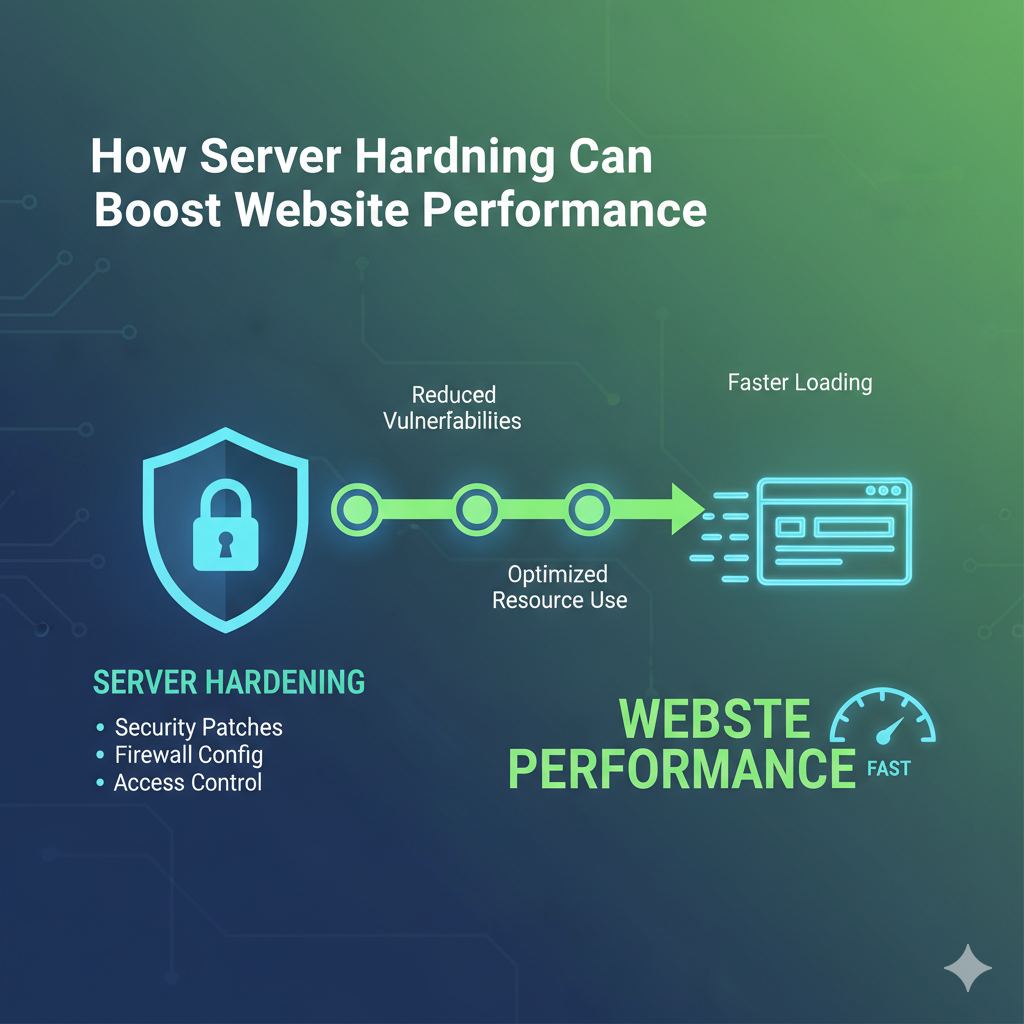
In the world of website management, maintaining optimal performance is crucial. One often overlooked aspect of achieving high performance is server hardening. Server hardening is the process of securing a server to protect it from various threats and vulnerabilities. However, beyond enhancing security, server hardening can also significantly boost website performance. This guide will explore how server hardening works, its benefits, and the best practices to maximize your website’s speed and efficiency.
Understanding Server Hardening
Server hardening involves a series of actions aimed at enhancing the security of a server. These actions include configuring system settings, disabling unnecessary services, updating software, and applying security patches. The primary goal is to minimize the attack surface, reducing the risk of unauthorized access or malicious attacks.
Why is Server Hardening Important?
- Enhanced Security: Protects against cyber threats, malware, and unauthorized access.
- Improved Performance: Reduces resource consumption by disabling unnecessary services.
- Regulatory Compliance: Helps meet security standards and compliance requirements.
The Connection Between Server Hardening and Website Performance
Although server hardening is primarily a security measure, it has a direct impact on website performance. By optimizing server configurations, you can reduce response times, enhance processing efficiency, and improve overall website speed.
Key Ways Server Hardening Enhances Performance
- Optimizing Resource Usage: Disabling unnecessary services frees up CPU and RAM.
- Reducing Attack Surface: Preventing malicious traffic improves server response.
- Efficient Resource Allocation: Prioritizing resources for critical tasks.
- Enhanced Data Security: Secure configurations prevent data breaches, maintaining data integrity.
Key Server Hardening Techniques
Operating System Hardening
- Regularly update and patch the operating system.
- Disable unused system services and protocols.
- Implement strong password policies.
- Use security-enhanced Linux (SELinux) or AppArmor for additional protection.
Web Server Configuration
- Optimize web server settings (e.g., Apache, Nginx).
- Restrict directory access with permissions.
- Use HTTP/2 or HTTP/3 for faster connections.
- Implement secure SSL/TLS configurations.
Network Security
- Configure firewalls to limit inbound and outbound traffic.
- Implement DDoS protection measures.
- Use secure communication protocols (HTTPS, TLS).
- Enable Intrusion Detection Systems (IDS).
Database Security
- Secure database connections with SSL/TLS.
- Restrict database access to trusted IP addresses.
- Regularly back up databases for disaster recovery.
- Implement database encryption for sensitive data.
Application Security
- Regularly update website applications and plugins.
- Implement input validation to prevent code injection.
- Use web application firewalls (WAFs) for protection.
- Conduct periodic code reviews for vulnerabilities.
Advanced Server Hardening Techniques
File System Security
- Restrict access to critical system files.
- Use file integrity monitoring tools.
- Set secure file permissions (e.g., 644 for files, 755 for directories).
Secure SSH Configuration
- Change the default SSH port.
- Disable root login over SSH.
- Use key-based authentication instead of passwords.
- Restrict SSH access to specific IP addresses.
Log Management and Monitoring
- Enable detailed logging for critical services.
- Use centralized logging solutions (e.g., ELK Stack).
- Regularly review logs for suspicious activity.
Regular Security Audits
- Perform routine vulnerability assessments.
- Monitor server logs for suspicious activity.
- Use automated security scanning tools.
Monitoring and Maintaining a Hardened Server
Server hardening is not a one-time process. Regular monitoring and maintenance are essential to ensure your server remains secure and optimized.
Regular Security Audits
- Perform routine vulnerability assessments.
- Monitor server logs for suspicious activity.
Automated Updates
- Enable automatic security updates for critical components.
- Use configuration management tools for consistent updates.
Backup and Disaster Recovery
- Schedule regular backups for critical data.
- Store backups in secure, off-site locations.
- Regularly test backup restoration procedures.
Real-World Benefits of Server Hardening
- Faster Website Loading: Optimized servers respond faster to user requests.
- Enhanced Security: Protection against common threats like SQL injection and cross-site scripting (XSS).
- Reduced Downtime: Hardened servers are less likely to crash due to attacks.
- Improved User Trust: Secure websites build user confidence.
Keine Beiträge gefunden.
Rezension verfassen