- 3/8, North Pirerbag
- 60 Feet Main Road
- Mirpur, Dhaka 1216
- +880-967-8247365
- support@informatix.systems

The Ultimate Checklist for Uptime Monitoring
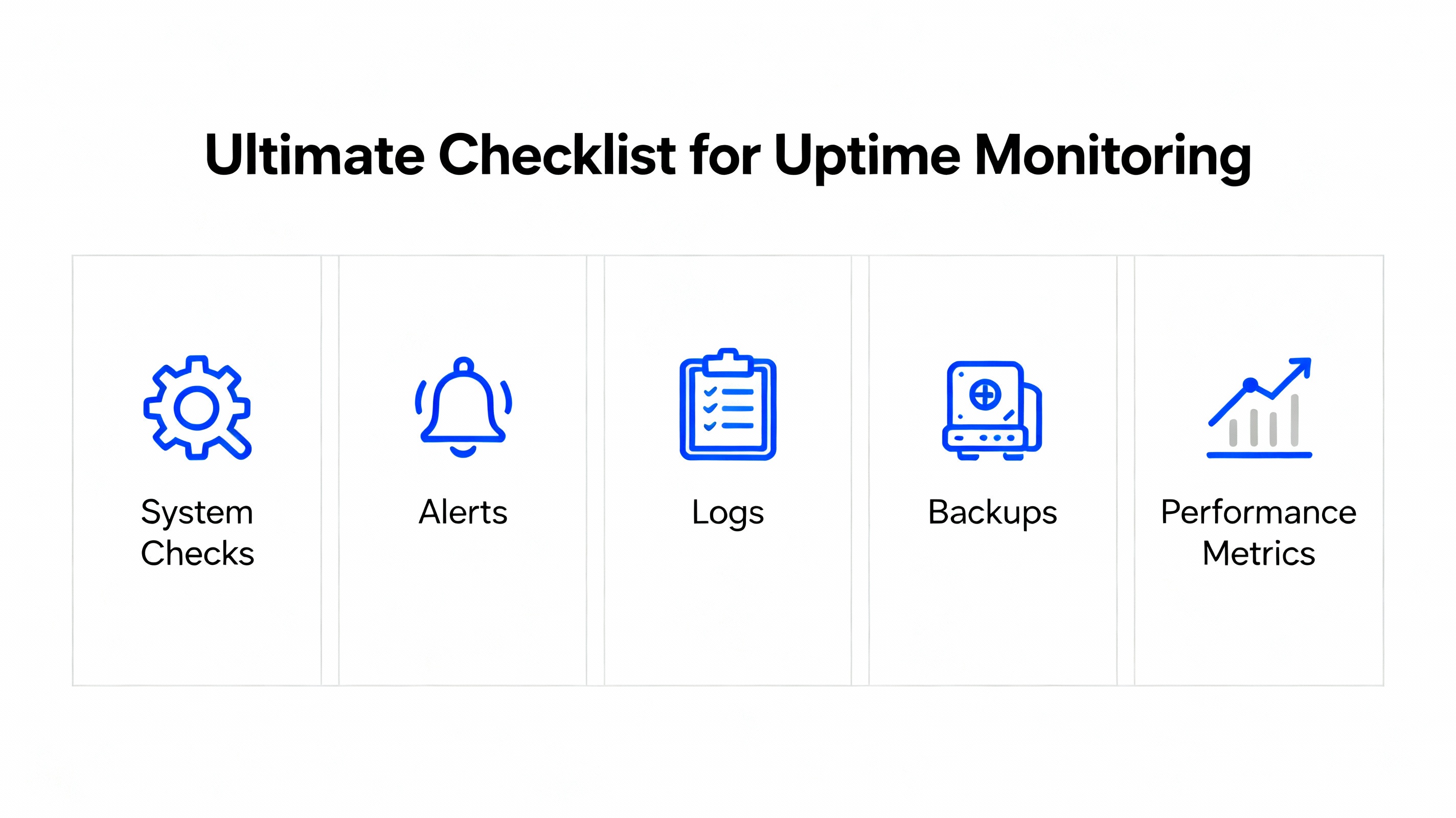
In today's highly competitive digital landscape, website uptime is critical. Downtime or outages can result in lost revenue, damaged reputation, and a poor user experience. This makes uptime monitoring an essential practice for businesses of all sizes. Uptime monitoring involves continuously checking the availability of websites, servers, and services to ensure they are functioning as expected. This ultimate checklist for uptime monitoring will guide you through the best practices, tools, and strategies you need to implement for optimal uptime monitoring in 2025. By following this checklist, you can ensure your services are running smoothly, minimize downtime, and provide a better experience for your users.
Uptime Monitoring Defined
Uptime monitoring is the practice of continuously tracking a website’s or a service’s availability. The monitoring system checks the status of a website or server at regular intervals (typically every minute, but this can be customized) and notifies administrators if the website goes down or experiences issues like slow performance. The main goal of uptime monitoring is to ensure that your website or service is always accessible to users. In the event of downtime, uptime monitoring tools send alerts to the responsible teams so they can take swift action to resolve the issue.
Why Is Uptime Monitoring Important?
-
Prevent Revenue Loss: Every minute of downtime translates into lost revenue, especially for e-commerce sites and businesses that rely on constant service availability.
-
Ensure a Positive User Experience: Customers expect fast and reliable websites. Slow or unavailable sites result in frustrated users and a potential loss of customers.
-
Brand Reputation: Frequent downtime can harm your brand’s reputation and make users lose trust in your services.
-
Operational Efficiency: Uptime monitoring provides detailed insights into issues, allowing IT teams to resolve problems quickly and improve operational efficiency.
-
Compliance Requirements: For certain industries, uptime is not just a convenience—it’s a compliance requirement. Ensuring your service meets uptime SLAs (Service Level Agreements) is crucial.
The Ultimate Checklist for Uptime Monitoring
Now that we understand the importance of uptime monitoring, let's break down the ultimate checklist to ensure you’re covering all the necessary aspects to effectively monitor uptime in 2025.
Define What Needs to Be Monitored
Before you start monitoring uptime, you need to define what exactly you’ll be tracking. Uptime monitoring can include a wide range of services, from websites and applications to databases, APIs, and even DNS servers.
Checklist for Defining What to Monitor:
-
Website Availability: This includes monitoring the homepage and key pages for uptime and performance.
-
Web Server Performance: Monitor the web server (Apache, Nginx, etc.) for availability and responsiveness.
-
Application Servers: Ensure that all application servers are running smoothly.
-
Database Uptime: Monitor the status of database services (e.g., MySQL, PostgreSQL) to ensure they’re responsive and available.
-
APIs: For businesses that rely on APIs, it’s crucial to monitor API availability and response times.
-
DNS: DNS server monitoring helps identify issues related to name resolution, which can affect website access.
-
SSL Certificates: Ensure that your SSL certificates are valid and haven’t expired.
-
Email Servers: Email uptime is essential for business communication. Monitor SMTP, IMAP, and POP3 servers for performance.
Choose the Right Monitoring Tools
Selecting the appropriate uptime monitoring tool is vital for ensuring that you get timely and accurate alerts. Many monitoring tools are available, each with different features and capabilities.
Checklist for Choosing Monitoring Tools:
-
Reliability and Reputation: Choose a well-established monitoring tool with a strong reputation for uptime accuracy.
-
Ease of Use: The monitoring tool should have a user-friendly interface and customizable settings.
-
Global Monitoring Locations: Select a tool that offers monitoring from multiple locations worldwide to ensure your site’s global accessibility.
-
Real-Time Alerts: Ensure the tool sends alerts in real-time via email, SMS, or push notifications to the appropriate stakeholders.
-
Comprehensive Reporting: The tool should offer detailed uptime and downtime reports to help you analyze trends and improve uptime.
-
Service Level Agreement (SLA) Monitoring: Some tools allow you to monitor the uptime against defined SLAs to ensure compliance.
-
Free Trial: Many monitoring tools offer a free trial. Test the tool to see if it meets your needs before committing.
Recommended Uptime Monitoring Tools:
-
Pingdom
-
UptimeRobot
-
StatusCake
-
Datadog
-
New Relic
-
SolarWinds
Set Up Monitoring Frequency and Interval
The frequency at which you monitor your website or services will depend on your needs. Some websites may require minute-by-minute checks, while others may only need hourly or daily checks.
Checklist for Setting Monitoring Frequency:
-
Critical Services: For services such as e-commerce websites, APIs, and payment gateways, set a monitoring interval of 1-2 minutes.
-
Non-Critical Services: For internal tools or less critical services, a 5-10 minute interval may be sufficient.
-
Define Downtime Thresholds: Ensure your monitoring tool notifies you if your site is down for a specific duration (e.g., 2 minutes, 5 minutes, or more).
-
Ping Checks: Use ping tests to check server connectivity and response time.
-
HTTP/HTTPS Checks: Monitor web services by checking HTTP(S) response codes. A 200 OK status means the site is up, while anything else (404, 500, etc.) indicates issues.
Set Up Alerting and Escalation Procedures
Alerts are crucial for quickly addressing downtime and performance issues. However, it’s important to set up the right alerting mechanisms to ensure that the right people are notified at the right time.
Checklist for Setting Up Alerts:
-
Real-Time Alerts: Configure the system to notify you in real-time via email, SMS, or even Slack or Teams integration.
-
Alert Sensitivity: Ensure alerts are only triggered for significant issues (e.g., site downtime or high latency). Set thresholds to avoid false alarms.
-
Escalation Procedures: Define who gets notified first and how alerts are escalated if the issue isn’t resolved within a certain time frame.
-
Alert History: Ensure the tool keeps a log of all alerts so you can track recurring issues.
-
Multiple Contact Methods: Use multiple alerting channels (email, phone, SMS, etc.) to ensure that alerts are seen promptly.
Monitor Response Times
While uptime is important, the speed and performance of your site are just as critical. Users expect websites to load quickly, and search engines like Google consider page load speed as a ranking factor.
Checklist for Monitoring Response Times:
-
Monitor Load Times: Track the page load times for your website and individual web pages.
-
Identify Slow Pages: Use monitoring tools to pinpoint which pages are slow to load and need optimization.
-
Server Response Time: Ensure that the server is responding quickly to requests. Use server-side monitoring tools to track this.
-
Geographic Monitoring: Ensure fast response times from different geographic locations by testing from different servers worldwide.
Set Up Automated Reporting
Regular reporting is important for keeping track of uptime performance over time. This will help you analyze trends, identify patterns, and address recurring issues.
Checklist for Automated Reporting:
-
Daily/Weekly Reports: Set up automated reports that summarize uptime and performance metrics for a given period.
-
Downtime Analysis: Review reports that detail the duration, frequency, and causes of any downtime.
-
Performance Metrics: Include load times, server response times, and error rates in your reports.
-
Customizable Reports: Choose a monitoring tool that allows you to customize reports to meet your specific needs and goals.
Conduct Regular Uptime Audits
Regular audits ensure that your monitoring system is functioning correctly and that you’re tracking all the necessary metrics.
Checklist for Uptime Audits:
-
Verify Monitoring Settings: Ensure that all critical services and infrastructure components are being monitored.
-
Test Alerting System: Conduct regular tests to verify that alerts are triggered correctly and that team members respond promptly.
-
Analyze Downtime: Review downtime events to determine if the right steps were taken to resolve them quickly.
-
Check Monitoring Tools’ Accuracy: Ensure that the uptime monitoring tools are correctly reporting downtime and aren’t missing issues.
Review and Improve Your Infrastructure
Uptime monitoring is not only about reacting to problems, but it’s also about proactively preventing them. By regularly reviewing your infrastructure, you can reduce the likelihood of downtime.
Checklist for Improving Infrastructure:
-
Redundancy: Ensure your infrastructure is redundant, with failover systems in place to handle unexpected outages.
-
Load Balancing: Use load balancers to distribute traffic evenly across multiple servers and prevent server overload.
-
Cloud Services: Consider using cloud services (AWS, Azure, GCP) for increased reliability and scalability.
-
Database Replication: Use database replication for high availability and to prevent single points of failure.
Need Help?
Contact our team at support@informatix.systems for expert assistance with uptime monitoring strategies and implementation.
No posts found
Write a review