- 3/8, North Pirerbag
- 60 Feet Main Road
- Mirpur, Dhaka 1216
- +880-967-8247365
- support@informatix.systems

The Ultimate Checklist for WooCommerce Optimization
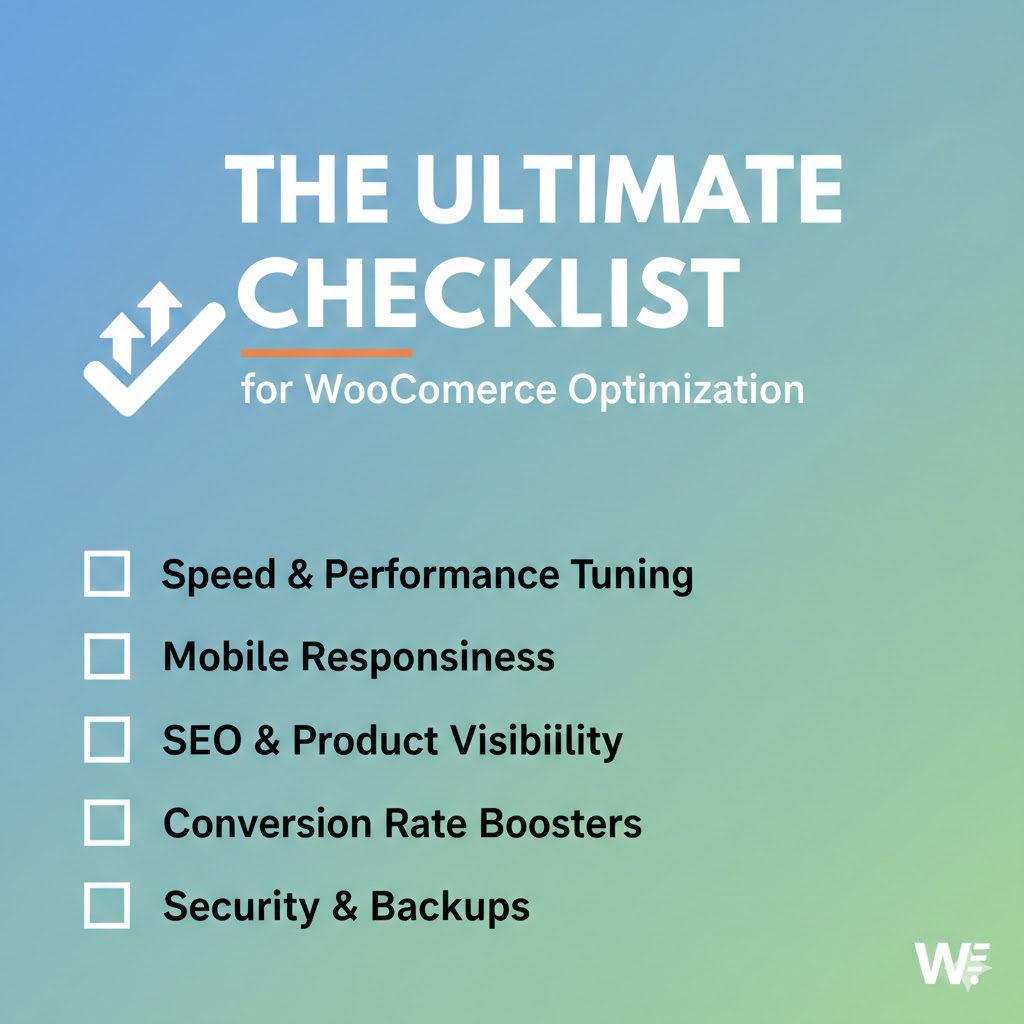
WooCommerce is one of the most popular eCommerce platforms, used by millions of online stores globally. While it is flexible and user-friendly, optimizing WooCommerce can make a world of difference in terms of performance, user experience, SEO, and conversion rates. In 2025, as online shopping continues to grow, having a finely tuned WooCommerce store is essential to staying ahead of the competition. This ultimate checklist for WooCommerce optimization will guide you through key optimization strategies to improve the functionality, speed, and overall user experience of your store.
WooCommerce Optimization
WooCommerce is an open-source WordPress plugin that turns a website into a fully functional online store. Its flexibility and ease of use make it the go-to eCommerce solution for small to medium-sized businesses. However, as the online market grows, merely having an eCommerce store is no longer enough. It needs to be fast, secure, and provide an exceptional shopping experience for customers. Optimization is a multi-faceted process that involves tweaking various aspects of your store to improve speed, security, and user experience. By optimizing your WooCommerce store, you can increase your sales, retain more customers, and improve search engine rankings.
Website Speed Optimization
One of the most critical aspects of eCommerce optimization is website speed. Slow-loading pages can lead to frustrated visitors, high bounce rates, and ultimately lost sales. Here’s a checklist for improving the speed of your WooCommerce store:
Choose a High-Quality Hosting Provider
The speed of your website heavily depends on the quality of your hosting provider. If your server is slow or unreliable, even the best-optimized WooCommerce store will suffer. Choose a hosting provider that specializes in WooCommerce or WordPress and provides adequate resources for scaling.
-
Managed WordPress Hosting: Providers like Kinsta or WP Engine offer optimized environments for WooCommerce.
-
Content Delivery Network (CDN): Utilize a CDN like Cloudflare to speed up content delivery by caching static files in multiple global locations.
Optimize Images
Images are usually the largest files on your site, and unoptimized images can drastically slow down page load times. Use tools like Smush or ShortPixel to compress and optimize your images without losing quality.
-
Use WebP format: The WebP format offers better compression without quality loss compared to JPEG and PNG.
-
Lazy Load Images: This technique delays the loading of off-screen images until they are needed, improving the initial load time.
Minify and Combine Files
Reduce the size of CSS, JavaScript, and HTML files by minifying them. This can reduce the number of HTTP requests, speeding up the page load time. Tools like Autoptimize or W3 Total Cache can help you automate the minification and combination of these files.
Use Caching
Caching stores copies of static files on the user’s device or the server to avoid unnecessary page loads. Implement server-side caching and browser caching to speed up your WooCommerce store.
-
Page Caching: Caching complete web pages can speed up your store for repeat visitors. Plugins like WP Rocket or W3 Total Cache can handle this for you.
-
Object Caching: If your WooCommerce store involves complex queries, object caching helps store those queries temporarily to avoid repeated processing.
Optimize Your Database
Over time, your WooCommerce store's database can become cluttered with unnecessary data. Clean up expired transients, spam comments, and unused post revisions to speed up database queries. Plugins like WP-Optimize can help you optimize your database efficiently.
Mobile Optimization
In 2025, more than 50% of online shoppers will make purchases via mobile devices. Therefore, your WooCommerce store must be fully optimized for mobile.
Mobile-Friendly Theme
Ensure your WooCommerce store is using a responsive theme that automatically adapts to different screen sizes. Choose themes that are designed with mobile-first in mind, like Astra or GeneratePress.
Mobile Speed
Use tools like Google PageSpeed Insights or GTmetrix to test your website’s mobile performance. Focus on reducing file sizes, optimizing images, and improving load times for mobile users.
Optimize for Touch Screens
Make sure buttons, menus, and forms are easily accessible and tappable on mobile devices. Improve navigation by simplifying menus and making them more user-friendly.
WooCommerce SEO Optimization
Search Engine Optimization (SEO) is crucial for driving organic traffic to your WooCommerce store. Here’s how to optimize your WooCommerce store for better SEO performance:
Optimize Product Pages
Each product page should be optimized for relevant keywords, and it should have a clear, concise description. Include the following on your product pages:
-
Unique Titles: Include the product name and a primary keyword in the title tag.
-
Meta Descriptions: Write compelling meta descriptions with targeted keywords for better CTR.
-
SEO-Friendly URLs: Ensure that your product URLs are short and descriptive (e.g., /product/product-name/).
Implement Structured Data (Schema Markup)
Schema markup helps search engines understand the content of your pages and display rich snippets (like product reviews or prices) in search results. Use plugins like Schema Pro or Yoast SEO to add structured data to your product pages.
Image Optimization
Alt text for product images should include relevant keywords. Not only does this help with SEO, but it also improves accessibility for users with disabilities.
Improve Site Architecture
Create a logical structure for your WooCommerce store’s product categories and tags. This makes it easier for search engines to crawl and index your site.
Conversion Rate Optimization (CRO)
Increasing conversions is essential for any eCommerce store. Here are some optimization strategies to help you maximize your store’s potential:
Simplify the Checkout Process
A complicated checkout process is one of the main reasons for cart abandonment. Streamline the checkout by:
-
Offering a guest checkout option.
-
Minimizing the number of form fields.
-
Providing multiple payment gateways like PayPal, Stripe, or credit card payments.
Use Abandoned Cart Recovery
Implement an abandoned cart recovery tool to remind customers who have left items in their cart to complete their purchase. Tools like WooCommerce Cart Abandonment Recovery or Klaviyo can automate this process.
Improve Product Pages with Reviews and Testimonials
Show product reviews and customer testimonials prominently to build trust and encourage conversions. Plugins like WooCommerce Product Reviews Pro enhance the review system and allow you to display detailed feedback.
WooCommerce Security Optimization
Security is paramount when it comes to eCommerce. You must protect your customers' data and your online store from potential threats.
SSL Encryption
Ensure your website is running on HTTPS with an SSL certificate. SSL encrypts all data transferred between your customers and your website, ensuring sensitive information is protected.
Implement Two-Factor Authentication (2FA)
Two-factor authentication is an additional layer of security that requires a second form of verification, like a code sent to your phone. This ensures that only authorized users can access your admin dashboard.
Regular Security Audits
Use tools like Wordfence or iThemes Security to perform regular security audits on your WooCommerce store. These tools will identify potential vulnerabilities, such as outdated plugins or weak passwords.
Backups
Regularly back up your WooCommerce store and database. Plugins like UpdraftPlus or BackupBuddy can automate this process and store backups safely offsite.
WooCommerce Analytics and Tracking
To truly optimize your WooCommerce store, you need to track performance and user behavior. Analytics help you identify areas for improvement and measure the success of your optimization efforts.
Google Analytics Integration
Integrate Google Analytics with your WooCommerce store to monitor visitor behavior, conversions, and traffic sources. Set up Enhanced Ecommerce Tracking to track product views, add-to-cart actions, and checkout behavior.
Heatmaps and Session Recording
Use tools like Hotjar or Crazy Egg to visualize where users click and how they interact with your website. Heatmaps and session recordings provide invaluable insights into improving the user experience.
Conversion Tracking
Set up goals and conversion tracking in Google Analytics to measure how many users are completing desired actions (like purchases). This data is vital for conversion rate optimization. Optimizing your WooCommerce store is an ongoing process, but by following this ultimate checklist, you can ensure that your store is faster, more secure, and ready to provide an exceptional user experience. Whether you're looking to improve website speed, enhance SEO, increase conversions, or bolster security, these strategies will help you take your WooCommerce store to the next level in 2025.
Need Help? For This Content
Contact our team at support@informatix.systems
No posts found
Write a review