Anmelden | Registrieren
Sign in to get more opportunities
- 3/8, North Pirerbag
- 60 Feet Main Road
- Mirpur, Dhaka 1216
- +880-967-8247365
- support@informatix.systems

Why Server Migration is Critical for Modern Businesse
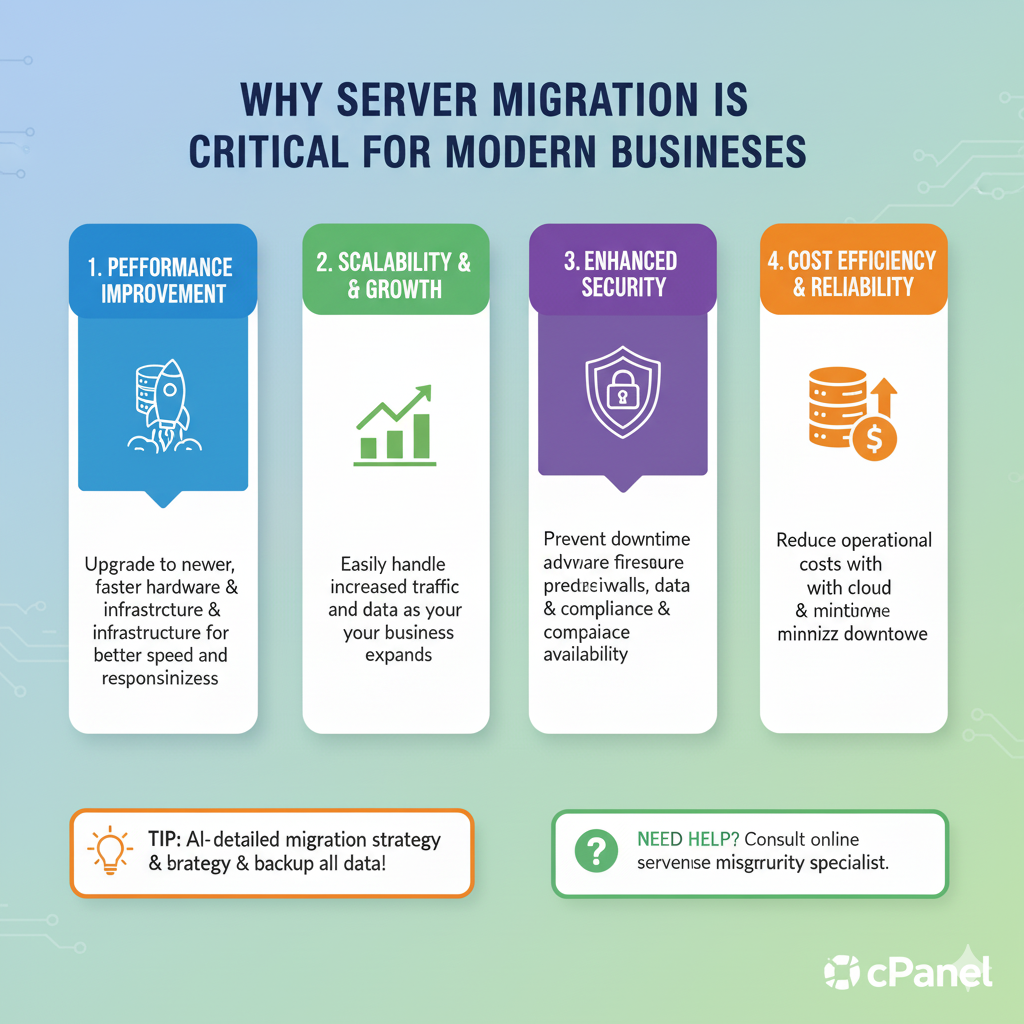
In the fast-paced world of technology, businesses are constantly evolving to meet customer demands, improve operational efficiency, and stay ahead of the competition. One critical aspect that plays a major role in this evolution is server migration. Whether it’s upgrading infrastructure, shifting to cloud services, or moving to a more scalable and secure environment, server migration is a vital step toward ensuring a business's IT systems remain modern, efficient, and secure.For businesses to grow and stay competitive, they must embrace digital transformation. One of the key components of this transformation is migrating data, applications, and other business-critical services from outdated or underperforming servers to more advanced, flexible, and secure platforms. Server migration can have profound impacts on performance, cost-efficiency, scalability, and business continuity.in this post, we will explore why server migration is critical for modern businesses, the benefits it offers, the challenges involved, and how businesses can ensure a smooth and effective migration process.
What is Server Migration?
Before diving deeper into why server migration is crucial, let’s define what it is.Server migration refers to the process of transferring data, applications, and workloads from one server to another, often involving a switch from physical to virtual servers or a migration to a cloud environment. Migration can also involve upgrading outdated infrastructure or moving to more efficient, scalable, and secure systems. It can be a complex process, depending on the nature of the systems involved and the scale of the organization.
Types of Server Migration
There are several types of server migration that modern businesses can undertake:
-
Physical-to-Virtual (P2V) Migration: This involves moving data and applications from a physical server to a virtual machine, allowing businesses to benefit from virtualization technologies, reduce hardware costs, and increase flexibility.
-
Virtual-to-Virtual (V2V) Migration: This refers to the movement of virtual machines from one server to another. It’s often done to improve performance, scalability, or to take advantage of a more efficient cloud provider.
-
Cloud Migration: Many businesses are migrating their services to the cloud, moving workloads from on-premises servers to cloud environments such as Amazon Web Services (AWS), Google Cloud, or Microsoft Azure. This migration allows businesses to benefit from the cloud's scalability, flexibility, and cost-effectiveness.
-
Data Migration: This involves the movement of large datasets to new storage solutions, improving access speeds, storage efficiency, and security.
Why Server Migration is Critical for Modern Businesses
Improved Scalability and Flexibility
One of the most significant advantages of server migration is scalability. As businesses grow, their IT infrastructure needs to scale accordingly. Traditional physical servers can become costly and challenging to scale. They often require manual hardware upgrades, which can lead to downtime and disruptions.Migrating to cloud-based servers or virtualization technologies provides near-infinite scalability. With the cloud, businesses can increase their resources (such as CPU, storage, and memory) on-demand without the need for significant upfront capital investment in physical hardware.This scalability ensures that businesses can adapt to changing demands, such as spikes in website traffic, new projects, or expanded operations. Server migration gives businesses the flexibility to dynamically allocate resources based on usage patterns, leading to improved performance during high-demand periods and lower costs when demand decreases.
Example: A growing e-commerce business may experience large spikes in traffic during peak shopping seasons. With cloud migration, the business can quickly increase its server capacity without any significant delays, ensuring customers experience fast load times and a seamless shopping experience.
Enhanced Performance and Speed
Outdated servers can significantly hinder a business's performance. Slow response times, high latency, and inefficient use of resources can degrade the user experience, resulting in frustrated customers and lost sales opportunities.Server migration to more modern infrastructure—whether it’s a physical upgrade, a virtualized server, or the cloud—can boost overall performance and speed. Migrating to servers that offer better processing power, high-speed connectivity, and advanced caching technologies can reduce latency and improve application response times.Cloud providers, for instance, offer Content Delivery Networks (CDNs) and advanced caching mechanisms that speed up the delivery of website content and applications globally. Server migration also facilitates load balancing, which spreads the workload evenly across multiple servers, avoiding bottlenecks.
Example: Migrating a website to a cloud server with content caching and load balancing can drastically reduce page load times, leading to higher user engagement, reduced bounce rates, and improved SEO rankings.
Increased Security
Cybersecurity is a top priority for businesses today. With the growing threat of data breaches, DDoS attacks, and other cyber threats, it is crucial for businesses to ensure that their server infrastructure is secure.Older servers may lack the latest security patches, leaving systems vulnerable to exploitation. Server migration enables businesses to adopt more secure platforms with built-in security features such as firewalls, data encryption, and automated patching systems. Cloud providers like AWS and Azure, for example, offer highly secure environments with features like multi-factor authentication (MFA), DDoS protection, and encryption at rest and in transit.
Example: Migrating from an outdated on-premises server to a cloud-based server with advanced security features helps protect customer data and ensures compliance with regulations like GDPR, HIPAA, or PCI-DSS.
Cost Efficiency
Maintaining physical servers can be expensive. Businesses incur costs related to hardware procurement, power consumption, cooling, data center space, and IT staff to manage and maintain the infrastructure. Over time, as servers age, businesses also face rising costs in terms of system downtime, repairs, and replacements.Server migration to virtualized environments or the cloud can reduce these costs significantly. The pay-as-you-go model of cloud computing ensures that businesses only pay for the resources they actually use, avoiding over-provisioning and waste. Virtualization technologies allow businesses to consolidate servers, reducing hardware requirements and lowering operational costs.Additionally, cloud services offer cost-effective disaster recovery solutions, eliminating the need for expensive backup hardware and data centers.
Example: A small business moving from a physical server to a cloud-based environment may reduce its hardware-related costs, pay for only the server resources it uses, and eliminate the need for physical server maintenance and upgrades.
Compliance and Regulation Adherence
For businesses operating in highly regulated industries such as finance, healthcare, and e-commerce, server migration is often critical for compliance. Regulatory bodies require that businesses protect sensitive customer data and ensure that their infrastructure adheres to strict data protection standards.Migrating to modern servers with advanced security features helps businesses comply with regulations such as GDPR, HIPAA, and PCI-DSS. For example, cloud providers offer tools that automatically handle data encryption, backup, and disaster recovery to ensure that businesses meet these legal requirements.
Example: A healthcare provider migrating to a HIPAA-compliant cloud server can ensure that patient data is encrypted and stored in accordance with federal regulations.
Challenges of Server Migration
While server migration offers numerous benefits, it is not without its challenges. Businesses must plan and execute the migration process carefully to minimize disruptions and avoid data loss. Some of the key challenges include:
Downtime and Business Continuity
One of the most significant concerns during server migration is downtime. Even with the best planning, migration can cause temporary service disruptions, which can affect customers, employees, and partners. This can be especially problematic for businesses that rely on 24/7 availability, such as e-commerce sites or financial services.To mitigate downtime, businesses should plan migration during off-peak hours and implement a robust disaster recovery plan that ensures services are restored quickly in the event of an issue.
Data Integrity and Migration Errors
During server migration, businesses must ensure that no data is lost or corrupted during the transfer process. Inaccurate data migration, compatibility issues, or incorrect configurations can lead to problems with applications, databases, and websites.
To avoid these issues, businesses should conduct extensive testing before migration, ensure data integrity during the transfer process, and create backups of all critical data before starting.
Cost of Migration
While server migration can lead to long-term cost savings, the initial cost of migration can be significant. Expenses may include consulting fees, software licenses, training, and any hardware upgrades required for the new environment.
Careful cost-benefit analysis is required to ensure that the long-term savings outweigh the upfront costs.
How to Ensure a Smooth Server Migration
To achieve a successful server migration, businesses should follow a well-defined strategy:
Assess and Plan
Before beginning migration, businesses should assess their existing infrastructure, identify the objectives of the migration, and create a detailed migration plan that includes timelines, resources, and a contingency plan for unforeseen issues.
Choose the Right Server Environment
Whether it’s cloud, virtualized, or on-premises infrastructure, businesses must choose the server environment that best meets their needs in terms of performance, scalability, security, and cost.
Backup Critical Data
Always back up important data before starting the migration process to ensure that it can be restored in case of any issues.
Test the New Server Setup
Testing is crucial to ensure that everything is working correctly. Run performance and security tests on the new environment before going live.
Monitor and Optimize Post-Migration
Once the migration is complete, businesses should monitor the server’s performance closely and make any necessary adjustments to optimize for speed, efficiency, and security.
Keine Beiträge gefunden.
Rezension verfassen