- 3/8, North Pirerbag
- 60 Feet Main Road
- Mirpur, Dhaka 1216
- +880-967-8247365
- support@informatix.systems

Group Policy application failures.
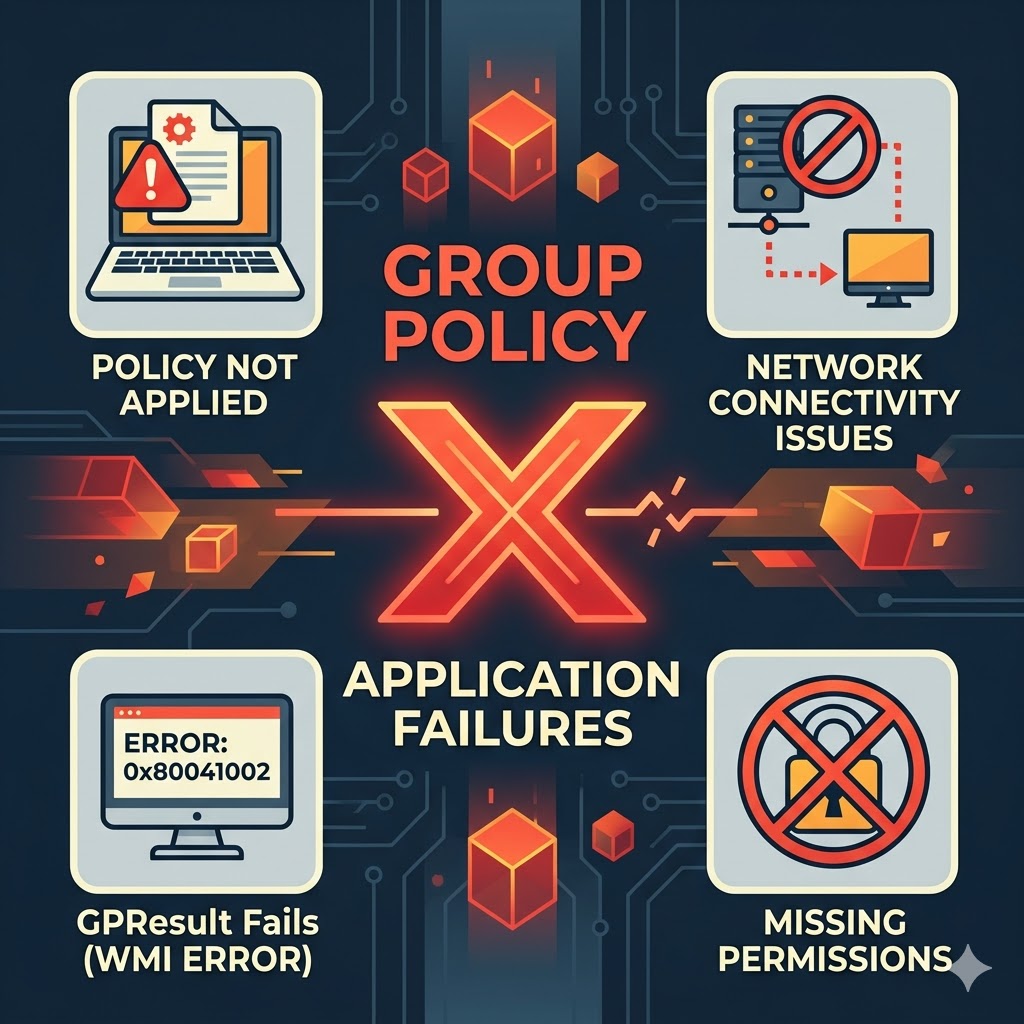
Group Policy is a powerful feature in Windows environments that allows centralized management of users, computers, and network settings. However, when Group Policy fails to apply correctly, it can cause serious disruptions in IT operations, security compliance, and user experience. At Informatix Systems, we specialize in resolving Group Policy application failures across small, medium, and large-scale environments. Our team ensures that your policies are deployed correctly and that all systems remain compliant with your organizational standards.
Common Signs of Group Policy Failures
Group Policy problems often present themselves through the following symptoms
Login delays or failed logins
User settings not applying as expected
Mapped drives or printers are missing
Desktop restrictions or software not enforced
Errors in Event Viewer related to Group Policy
Slow network performance in domain environments
Causes of Group Policy Application Failures
Group Policy can fail to apply for various reasons, including
DNS misconfiguration
Incorrect permissions on policy objects
Corrupted or deleted Group Policy Objects GPOs
Replication issues between domain controllers
Network connectivity problems
Incorrect security filtering or WMI filters
Slow link detection or timing issues
Misconfigured local policies overriding domain policies
Our Group Policy Troubleshooting Services
Informatix Systems offers complete support to resolve Group Policy problems, including
GPO configuration and hierarchy analysis
DNS and Active Directory health checks
Group Policy Result, gpresult, and modeling tests
Event log analysis and error resolution
Correction of replication and SYSVOL issues
GPO backup, recovery, and best practice implementation
Policy refresh configuration for stability
Long-term monitoring and compliance validation
Why Choose Informatix Systems
Certified Microsoft and systems engineers
Deep expertise in enterprise Active Directory environments
Quick issue identification and policy repair
Remote and onsite support available
Support for schools, businesses, and enterprise networks
Cost-effective solutions and proactive monitoring
Frequently Asked Questions
What causes Group Policy to not apply?
Common causes include DNS issues, Active Directory replication failures, permission misconfigurations, or policy corruption.
How do you detect Group Policy problems?
We use diagnostic tools like GPResult, Event Viewer, and Active Directory tools to trace and isolate the root cause.
Can Group Policy problems affect login speed?
Yes, failed or misapplied policies can significantly delay the login process for users on the network.
Can you help recover deleted Group Policies?
Yes, we can restore Group Policy Objects from backup or recreate them based on your organizational needs.
Do you offer ongoing policy monitoring?
Yes, we offer monitoring services that ensure your policies apply consistently and flag potential issues early.
Get in Touch with Informatix Systems
If your users are facing login issues or system settings are not applying correctly, Group Policy failures might be the cause. Let Informatix Systems diagnose and resolve the issue quickly and effectively.
Website: https://informatix.systems
Email: support@informatix.systems
Phone: +8801524736500
No posts found
Write a review