- 3/8, North Pirerbag
- 60 Feet Main Road
- Mirpur, Dhaka 1216
- +880-967-8247365
- support@informatix.systems

Session limit or disconnection issues
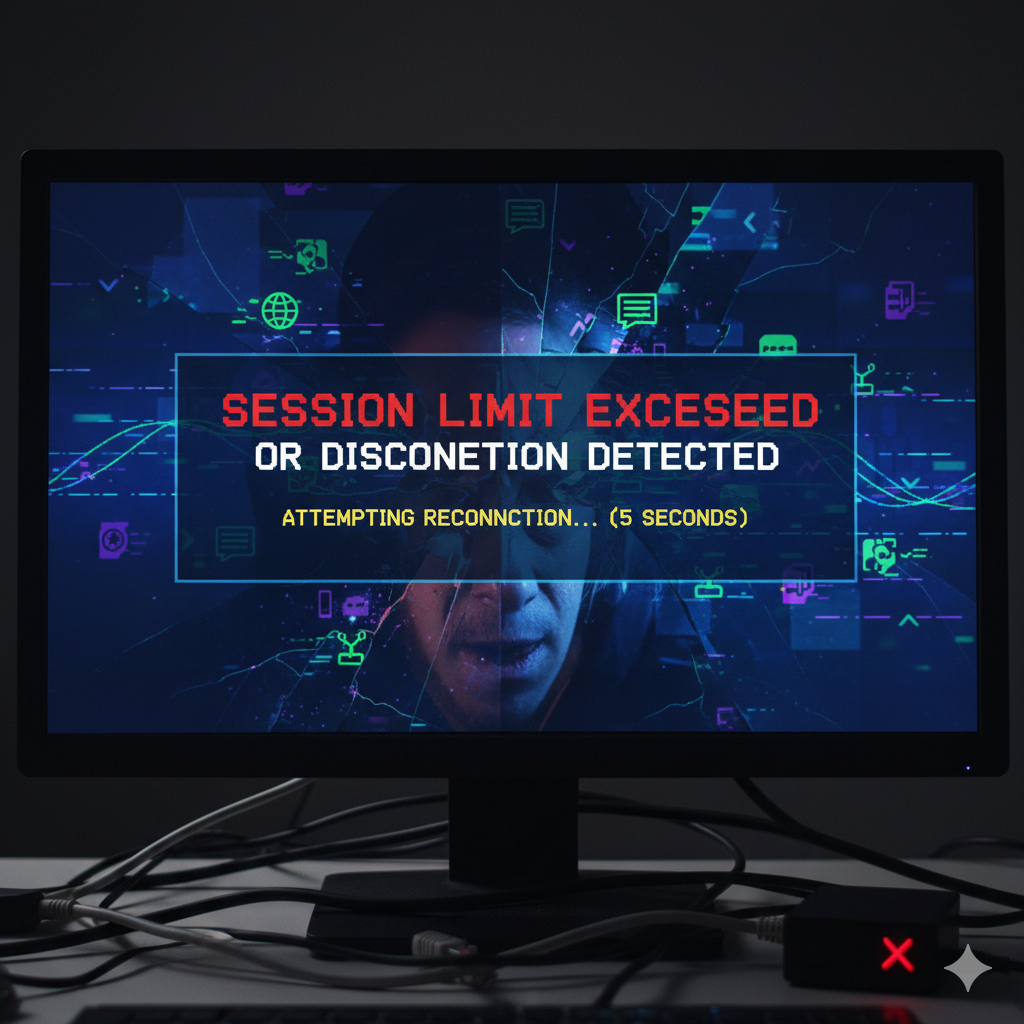
These problems occur when:
-
Users are logged out of remote sessions after a short time
-
Too many users are connected, hitting the session cap
-
Network interruptions disconnect active sessions
-
Server resource limits terminate or block new sessions
-
Group policies or timeouts force logoffs prematurely
These issues are common in environments using Remote Desktop Services (RDS), Terminal Services, or virtual desktop infrastructure (VDI).
Common Causes
-
Group Policy Settings: Misconfigured session time limits or idle disconnect settings
-
Remote Desktop Licensing Issues: Exceeding the number of allowed RDS licenses
-
User Profile Conflicts: Temporary profiles and roaming profiles causing errors
-
Network Instability: Latency, bandwidth limitations, or VPN drops
-
Server Resource Exhaustion: High CPU, memory, or disk usage forcing sessions to close
-
Firewall or NAT Timeouts: Session ports getting closed due to inactivity
Symptoms to Watch For
-
Users getting disconnected during active work sessions
-
Error messages like “The session was disconnected” or “No remote desktop license servers available”
-
Slow or laggy session performance before disconnection
-
Inability to reconnect without rebooting or admin intervention
How Informatix Systems Can Help
Informatix Systems specializes in remote access and server configuration solutions. Our team identifies the cause of session-related issues and implements permanent fixes.
Our services include:
-
Remote Session Diagnostics: We analyze logs, server settings, and group policies to pinpoint disconnection causes.
-
Session Limit Configuration: We adjust user and session limits based on business requirements.
-
Licensing and Access Control Review: We verify Remote Desktop licensing, user roles, and resource allocations.
-
Network Optimization: We check VPN tunnels, firewall rules, and NAT timeout settings for stable connectivity.
-
Load Balancing Setup: For environments with many users, we implement session-based load balancing and resource allocation.
-
Policy Management: We configure session timeout, idle disconnect, and reconnection settings to enhance user experience.
Why Choose Informatix Systems?
We provide reliable and tailored solutions to help businesses avoid session disruptions and user access issues. Our team brings years of experience in managing Windows Server environments, remote desktop infrastructures, and enterprise networks.
Whether you are running remote workstations, cloud-hosted sessions, or hybrid networks, Informatix Systems ensures your users stay connected and productive.
Frequently Asked Questions
What causes frequent disconnections in Remote Desktop sessions?
Common causes include idle timeout policies, resource overload, or licensing limits. We can identify and resolve the issue.
Can you increase the number of concurrent sessions on our server?
Yes. We adjust licensing, resource allocation, and session settings based on your environment.
Do session timeouts affect all users the same way?
Not always. Group policies or user-specific settings can vary. We standardize and optimize session policies.
Is it possible to stop sessions from disconnecting automatically?
Yes. We configure timeout settings and ensure the server and network support persistent ses
Get in Touch
If session limits or disconnection issues are affecting your users or servers, Informatix Systems is here to help. We provide efficient and secure fixes to restore uninterrupted access.
Website: https://informatix.systems
Email: support@informatix.systems
Phone: +8801524736500
No posts found
Write a review